
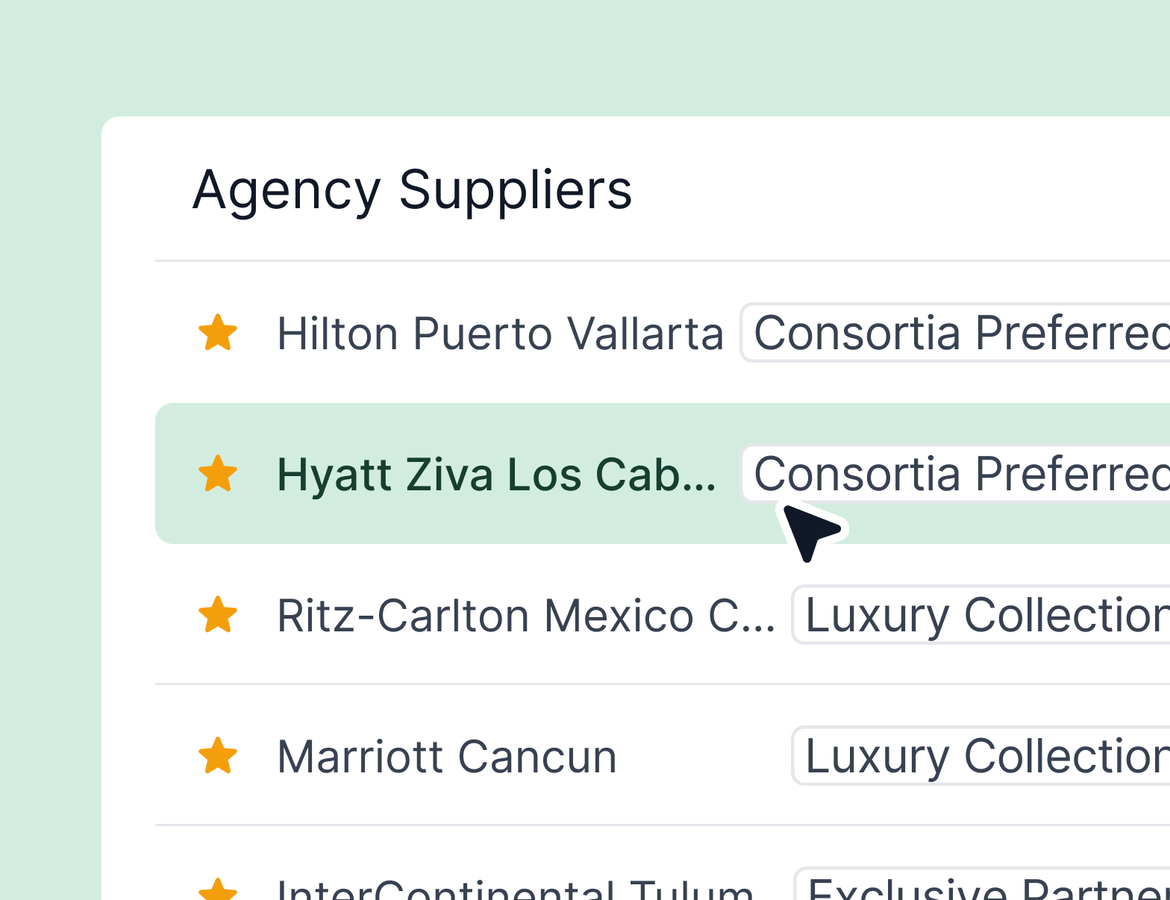
A lot shipped this week! AI Chat can now walk a new advisor through onboarding with one-click answers. Agency permissions get their first round of granular controls. Preferred suppliers get tags and a star in search. And reconciliation gets sharper across the board. Here is what is new.
AI Chat now guides new advisors through onboarding + more improvements
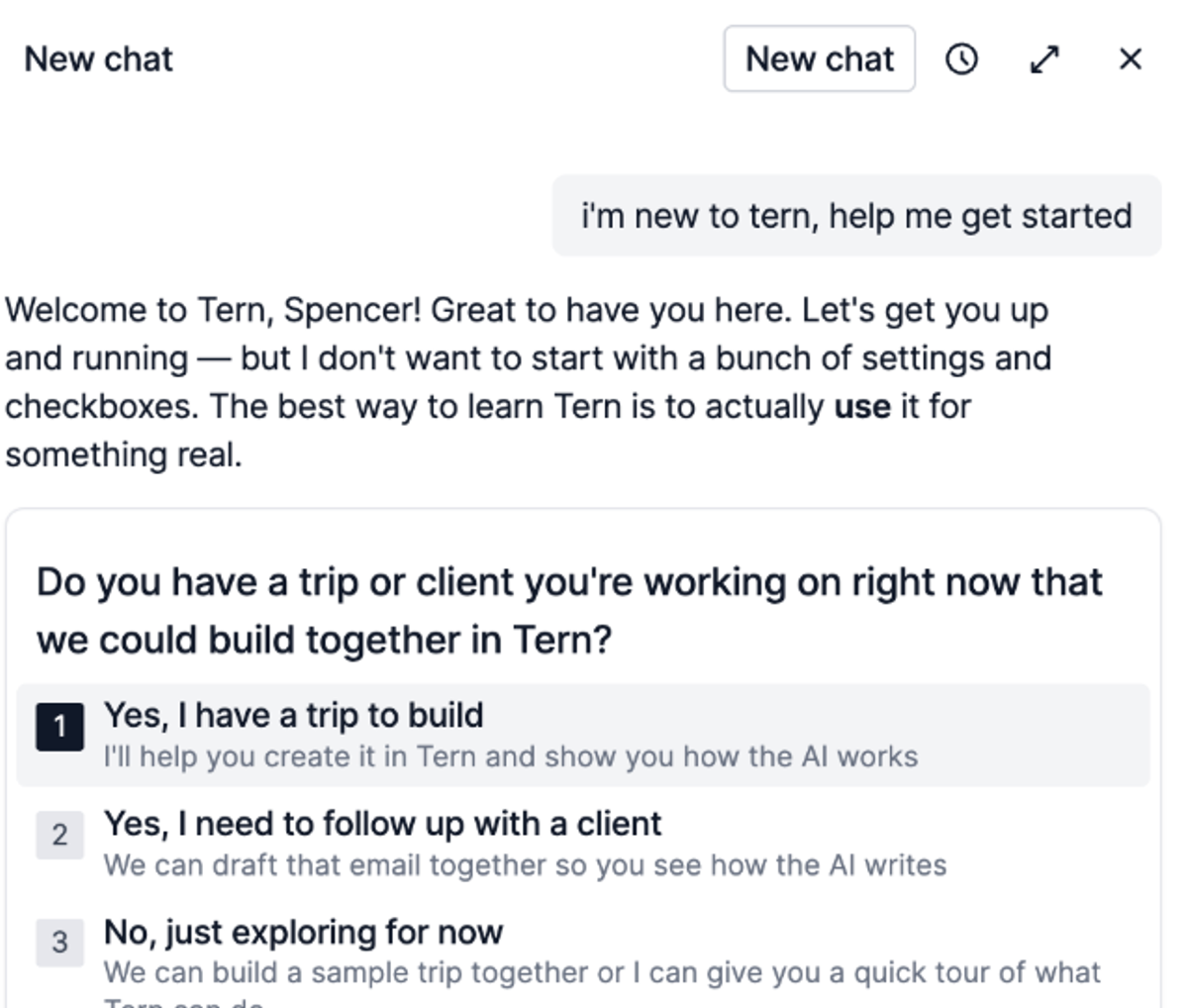
Ask AI Chat to help you get started, and it will. The chat now pulls from the Tern onboarding guide and walks newer advisors through the setup steps that matter, from two-factor authentication to writing style to branding. Instead of pointing people at a help doc, you can point them at AI Chat and let it take them step by step.
Plus, AI Chat now offers:
- One-click reply options when a response has clear choices, so advisors do not have to type out every answer. Pick an option, hit submit, and the chat moves forward.
- Smart chat name based on what you were discussing, so finding that thread again is easy.
- Port name context - which means that searching, adding, and updating cruises and activities is more accurate when ports are involved.
Agency permissions, role by role
This is the first round of a bigger shift in how agency permissions work in Tern. Today, the three role types (administrator, collaborator, and agent) act as “role templates” for what each person can do. Over time, those templates will get more configurable so larger agencies can match permissions to real responsibilities.
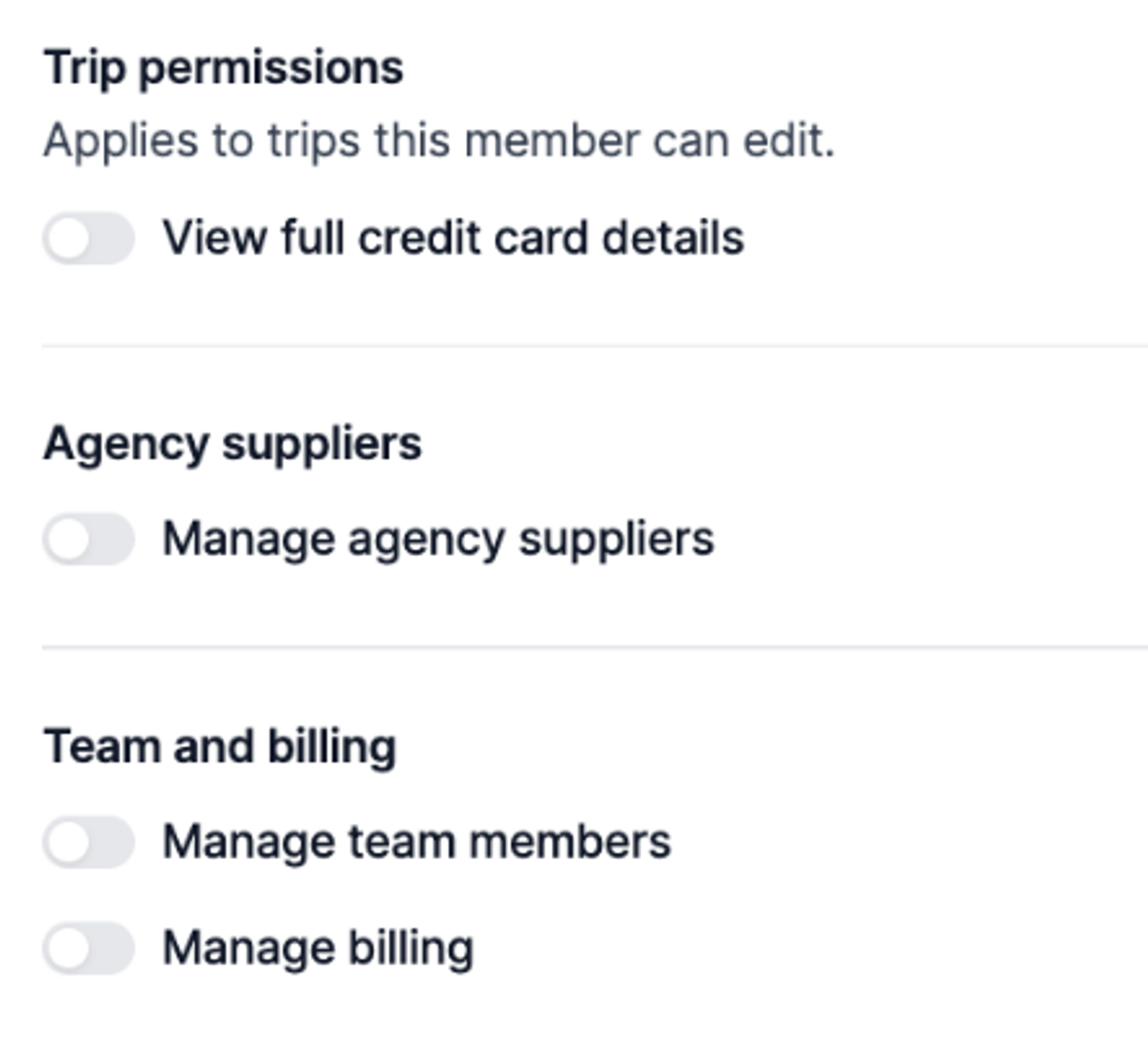
The first permission we are rolling out is credit card access. For collaborators and admins (the roles where trips and contacts auto-share), you can now decide at the role level whether they see credit card details on shared trips. Turn it off for a virtual assistant, and they will still see that an authorization happened and who ran it, but the card details will be censored. For agents added manually to individual trips, you can manage the same setting per person on the trip itself.
For admins, three more permissions are now available to toggle off: managing agency suppliers, managing billing, and managing team members. An admin with these off keeps view access to those pages but cannot make changes. Useful for agencies with multiple admins who hold different responsibilities.
Now is a good time to audit who has access to what across your team. And if there are specific permissions you need, tell us. More are coming. Learn more.
Preferred suppliers and tags
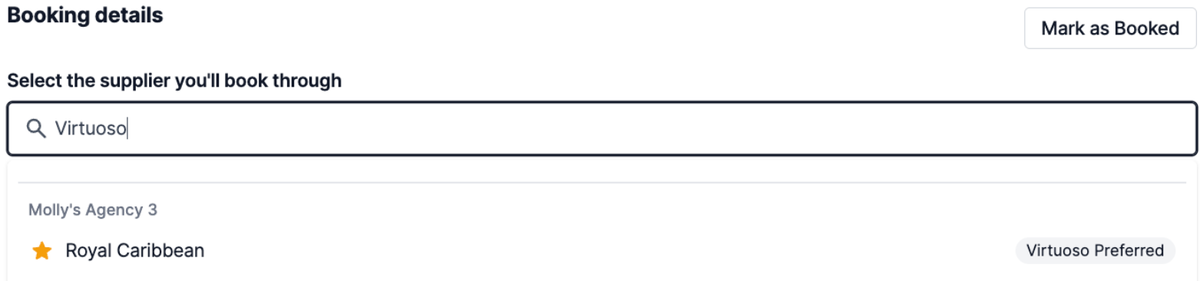
You can now flag any supplier in your agency library as preferred and add as many tags as you want. Virtuoso preferred. Cruise. Luxury. Whatever language your team already uses.
For your advisors, this shows up in two places. They can filter the agency supplier list by tag or by preferred status. Plus, they can see preferred suppliers and tags when adding a supplier anywhere in a trip. They can even search by the tag itself (“Cruise”, “Virtuoso Preferred”, etc.) to find suppliers matching those search results.
This has been a long-standing request. We are excited to see what your team starts tagging. Learn more.
Sharper AI reconciliation
A few upgrades to AI reconciliation, all live now.
RTF files are now supported. Onyx in particular sends statements in this format, and the parser handles them like any other file type. If you are still seeing trouble with a specific supplier or format, send us the example so we can keep tuning.
Statement-level adjustments now get captured automatically. So when a statement deducts a fee or bonus, that adjustment is logged on the statement instead of getting missed.
Deleting a statement now also deletes any amount received that was auto-logged from an auto-match. Previously those lingered and showed up as duplicates when you reconciled later.
Auto-match no longer requires a client match. The criteria is now an exact, unique confirmation number paired with a matching supplier. If a confirmation number matches across multiple bookings, it gets flagged for review instead. The result is less manual review on the high-confidence matches.
And dozens of supplier-specific tuning improvements have shipped over the past couple weeks, from Arch Roam on down. Keep sending examples of statements that are not parsing the way you expect. Learn more.
Itinerary-level insurance
If a trip has multiple itinerary options, you can now manage insurance per option. Quote insurance on option one, quote insurance on option two, and let the client choose. The insurance tab now has the same toggle between options that the rest of the trip uses, with quotes pulling from each option's itinerary details.
Quality of life
- Trip board loads faster. Trips with a lot of activities used to take a long time to load on the board view. That should be noticeably faster now.
- Export filtered contact lists. Apply a filter to your contact list and the export option now lets you export just the filtered set, not the full contact list.
- Refresh policy pulls in external updates. If you change policy information in the insurance provider portal, the refresh policy button now pulls those changes into Tern.
- Filter commission statements by amount. On the commission statements page, you can now filter statements by amount - useful for tying back a number on your bank statement to a specific supplier statement.
- State is now optional on contact addresses. International contacts no longer get blocked by a required state field.