Not every supplier pays the same way, so why should every payout follow the same rule? This week brings commission payout rules you can shape per supplier type (or override per supplier), an AI Chat that can submit bookings and update pricing for you, and a clear view of where all your AI usage is going. Here is what is new.
Commission payout rules, now per supplier type
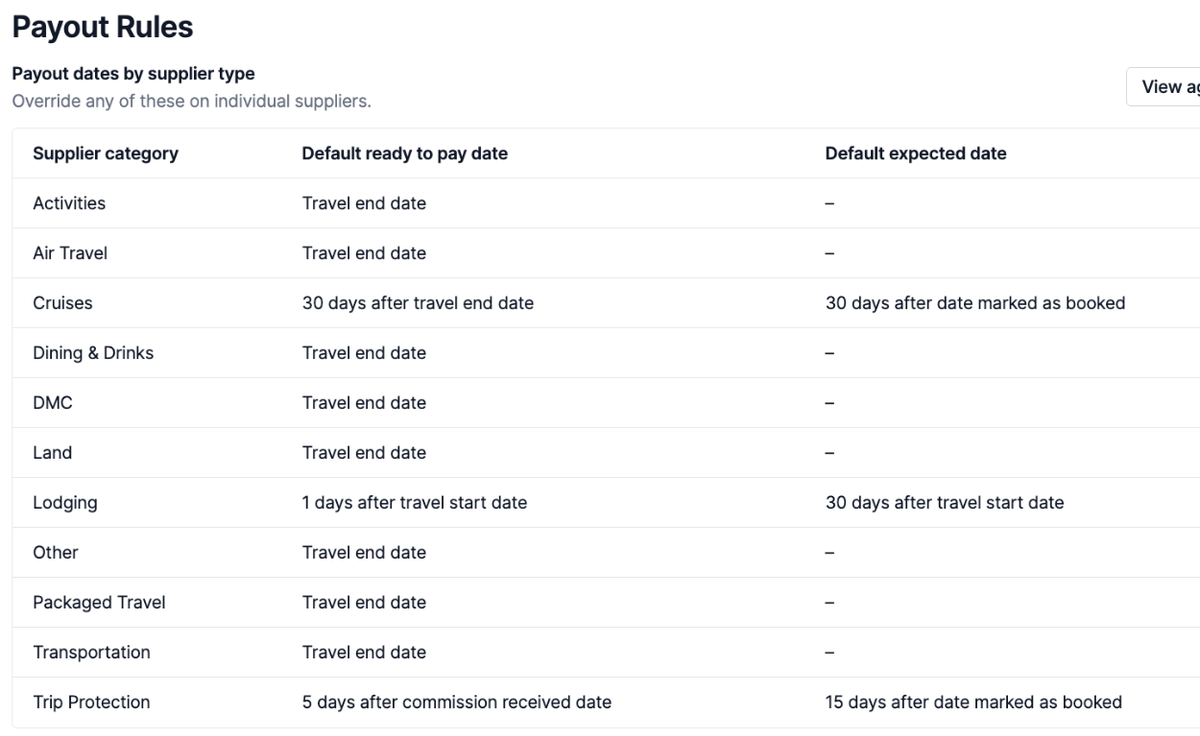
Insurance commission is safe to pay out a few days after you receive it. Cruise commission can get clawed back, so you may want to wait until after travel. Until now, Tern made you pick one ready-to-pay rule for everything and hand-tailor the date when you were reconciling commission.
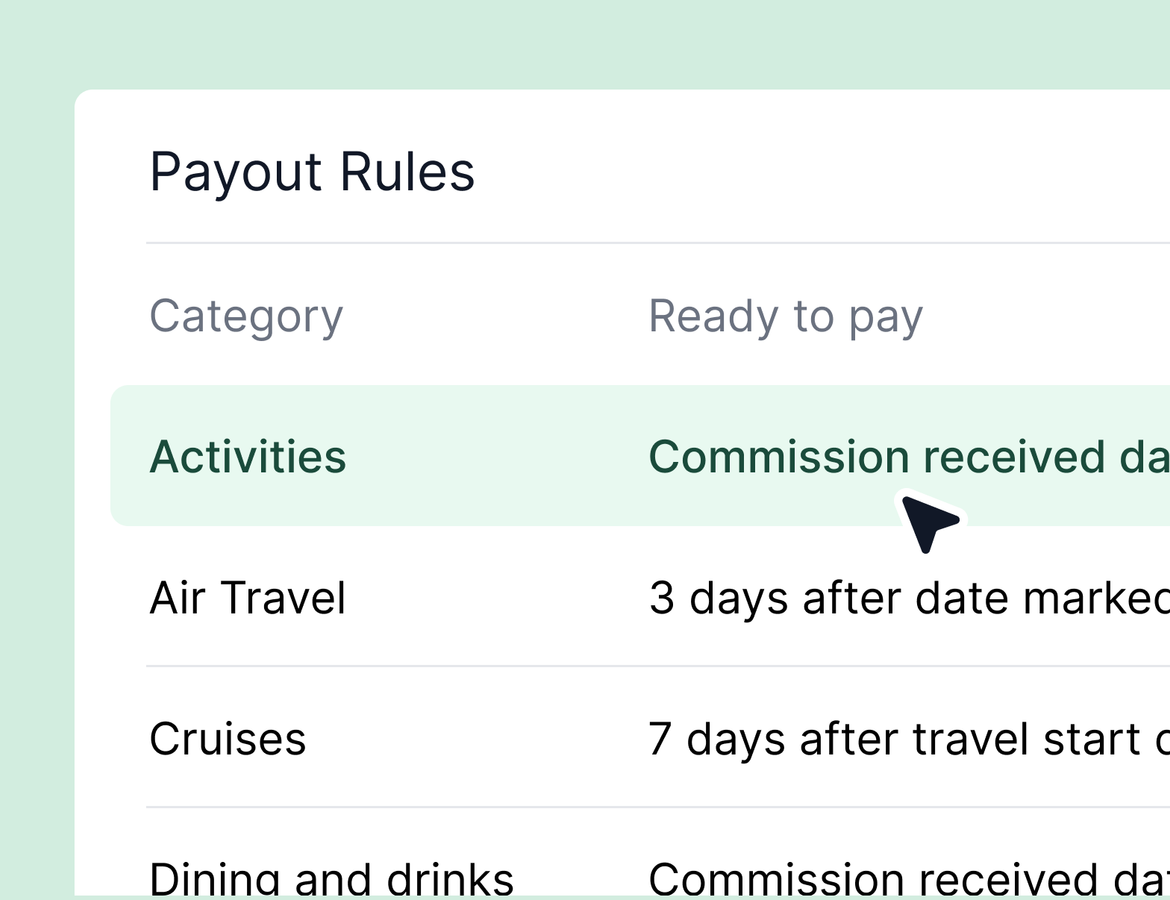
That rule is now yours to tailor. Go to your settings and find the payout rules tab in your agency section. There you can set when commission becomes eligible for payout for each supplier category, and override it for an individual supplier when one pays differently.
If you already had a global ready-to-pay rule, we migrated it for you. Every supplier category starts set to your old rule, so nothing about your current process changes until you decide to tailor it.
The same update brings a default expected commission date. Before, your advisors had to type in an expected date on every booking by hand to track overdue commission and feed expected commission reporting. Now you can set that rule once. Tell Tern that cruise commission is expected 30 days after travel starts, or use the date a trip is marked as booked, and the expected date fills itself in the moment an advisor books. Learn more.
AI Chat can do more of the work
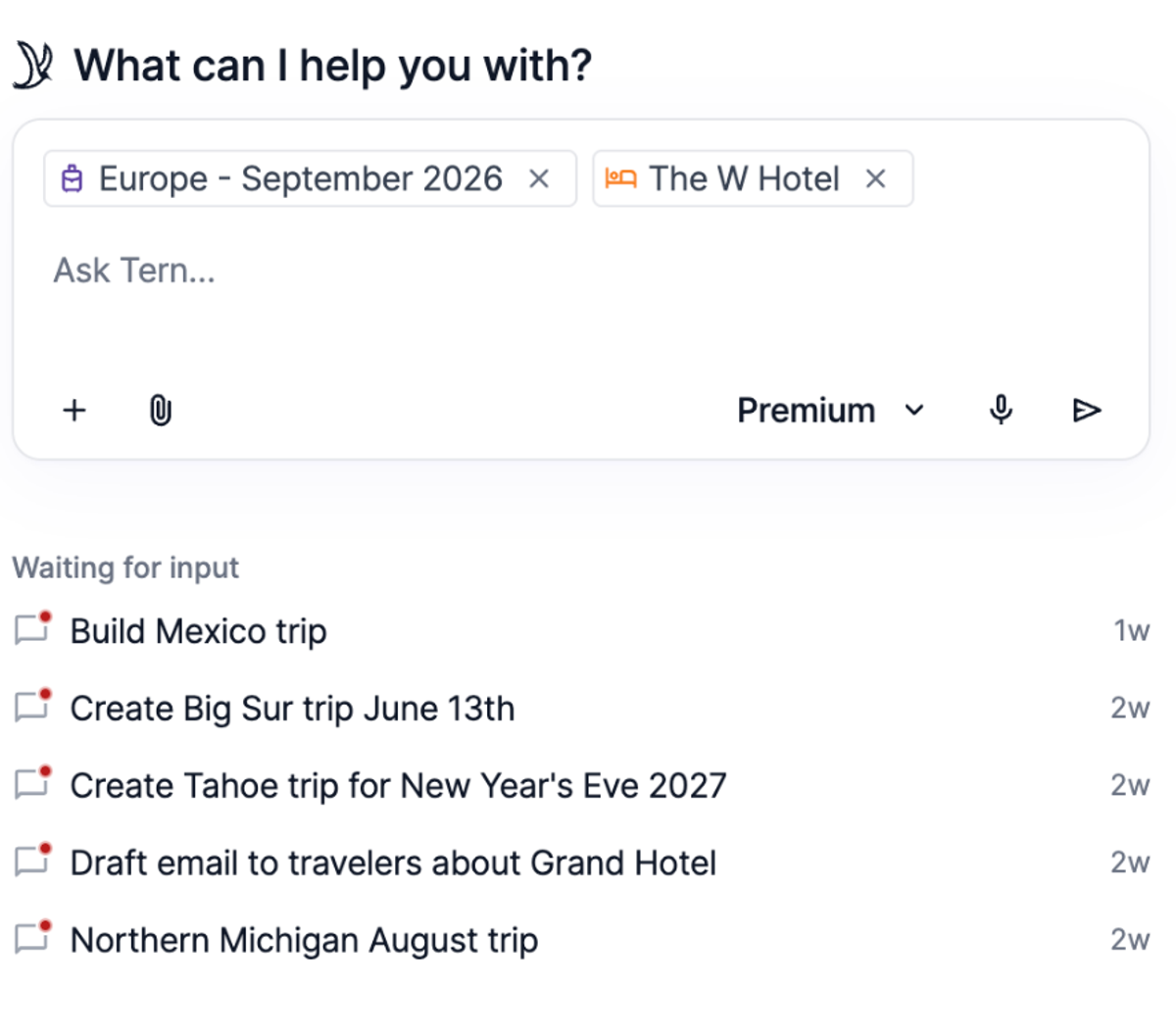
AI Chat is picking up the kind of tasks that used to mean clicking through screens. You can now submit a booking by attaching a file or simply telling chat to mark it as booked. You can have it update pricing and payment schedules on existing bookings, not just create new ones, and the same goes for packages.
It also now writes destination guides and packing lists with full trip context. You could always draft these in Tern, but when AI Chat builds them it pulls in everything it knows about the trip: the notes for the client, who is traveling, whether there are kids and how old they are. Open chat right from a specific trip, ask for a packing list, and it works from the real details instead of a blank template. We walked through all of this live in last week's webinar, so this is your reminder that it is ready to use.
A clearer view of your AI usage
You can now drill into exactly where your AI usage comes from, broken down by AI Chat, email triage, automation-triggered agents, and more. This was a highly requested view, and it lands ahead of the usage limits we covered in the webinar and recent emails, so you can understand your usage before those limits take effect.
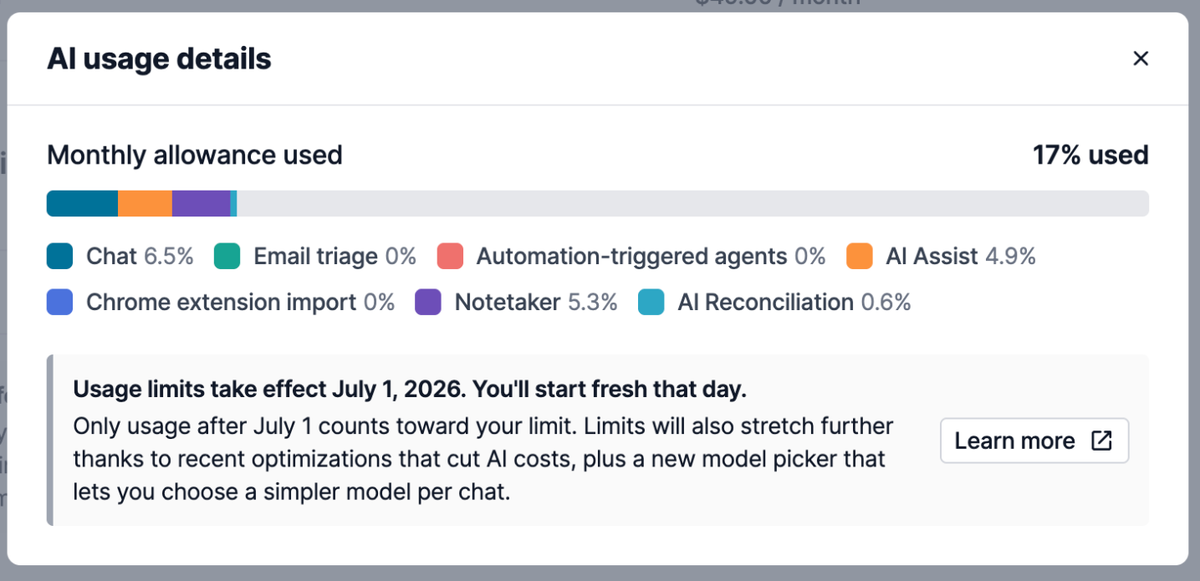
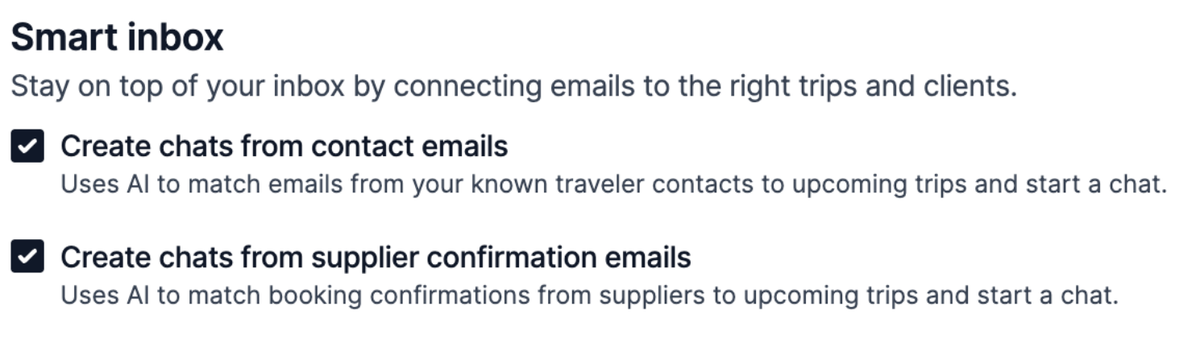
Alongside it, the smart inbox settings we demoed at the webinar are now available to configure under email scheduling. You can opt in to email triage, create chats from traveler emails matched to upcoming trips, and create chats from supplier confirmation emails so booking details land automatically. The settings give you control over how much of this you want turned on.
Quality of life
- Import your agency suppliers directly, the companion to the export option we shipped last time. Follow the linked instructions to bring supplier data over from another system.
- In AI commission reconciliation, remove an auto-matched booking in one step when it is not a match. You can also edit a parsed statement line item directly, which sharpens future matches in the needs-review queue.
- Agency supplier tags now show on the main supplier page, along with that supplier's payout rules, so preferred status and payout timing are visible at a glance.
- Agencies can now resend or revoke pending invitations, for both direct members and agencies underneath them.
- Fixed an issue where pulling an itinerary library item into a trip did not respect a locked commission rate. Locked rates now hold.
- The new itinerary designs now have more prominent action buttons that are easier for clients to spot.
- Add a mailing address while creating a new contact, so the details are in place from the start. .
- Logged-out clients can now see that confirmation numbers exist on an itinerary and are prompted to sign in to view them, rather than the numbers being hidden entirely. The numbers themselves stay protected behind login.
- The Intercom tooltip no longer covers drawers on mobile, including the AI Chat send button.
In beta: group sub trip syncing
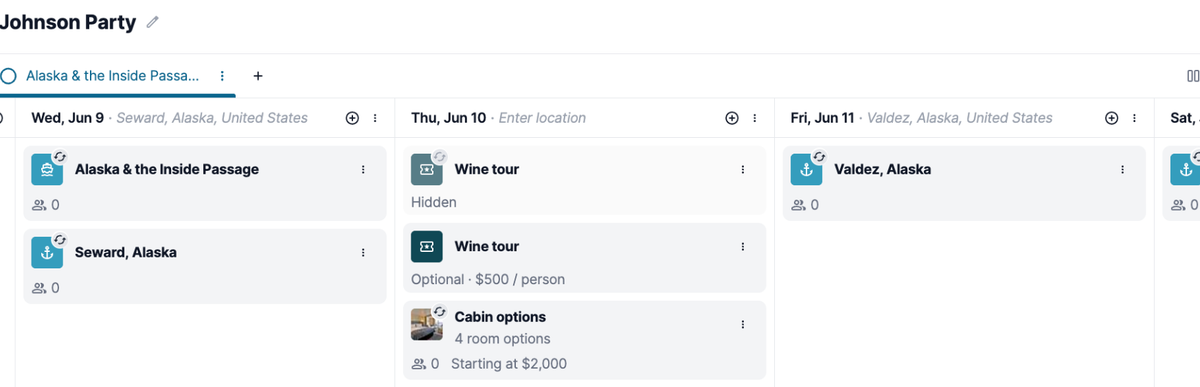
We have not forgotten about group sub trip syncing. It changes how group trips behave, so we are running a longer closed beta to pressure test it before a wider release. Beta testers can sync items from the group trip down to the sub trip level. We are improving it on active feedback and hope to release it to everyone in the next week or two.