
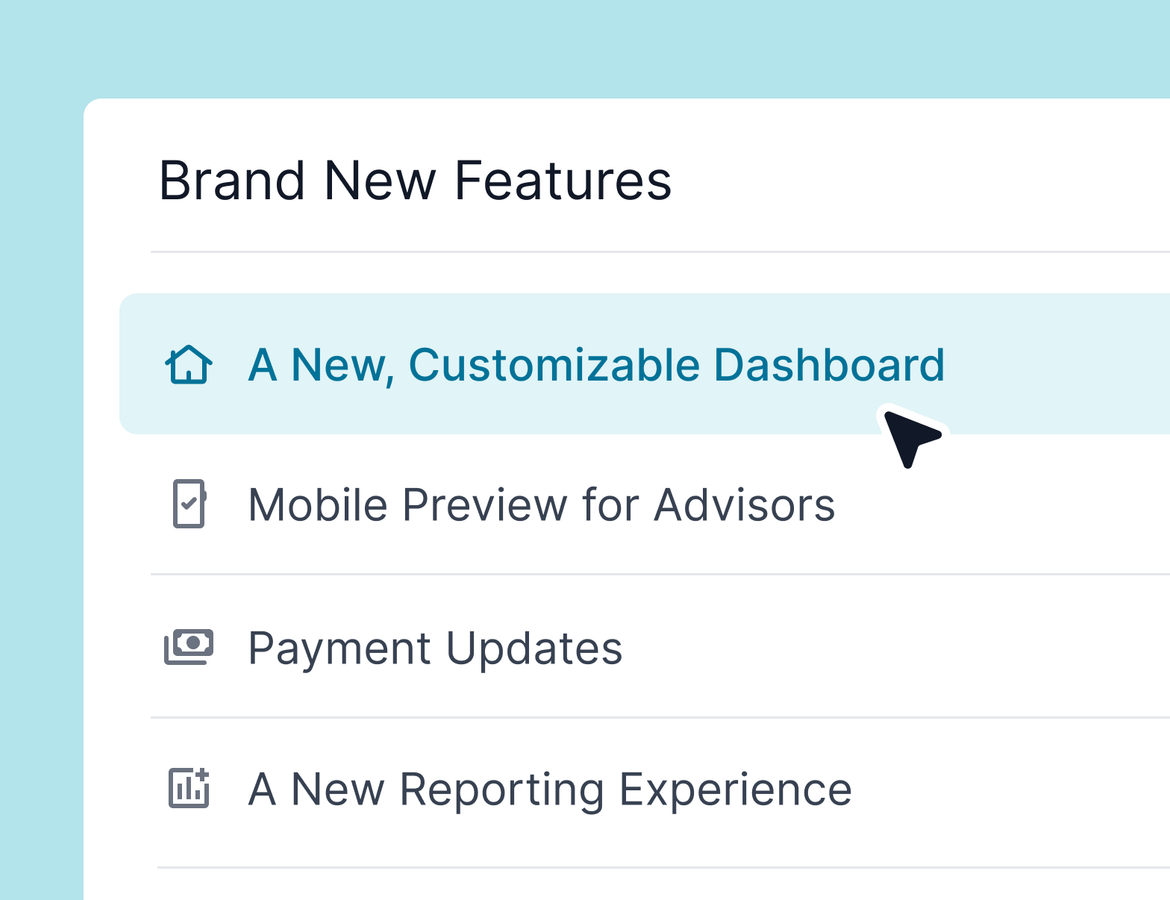
Hi everyone! Molly here with the latest product update from Tern. It’s been a big couple of weeks—we hosted our user conference, ran a webinar, and shipped a ton of new features. Let’s dive into what’s brand new and what you might have missed.
Watch the video here: https://www.loom.com/share/d4d82b990e164a7aa7ffd0f17c7baa9e?sid=87432c62-c82b-4905-b434-29bf195d750f
Hot off the press
We'll start with new features we didn't talk about at the webinar. If you already feel caught up, you can stop reading after this section!
Dashboard Customization
Your dashboard is your home base in Tern, and now it’s more flexible than ever.
Calendar toggles: Decide whether you want to see birthdays, anniversaries, passports, Bon Voyage (departures), or Welcome Back (returns). Turn them all off, and the calendar disappears entirely.
Custom sections: Hide recent form responses or other dashboard panels you don’t need. The layout automatically adapts to whatever setup works best for your workflow.
This update is all about supporting the different ways advisors like to work. Learn more.
Lodging Templates with Room Options
For agencies managing properties with dozens of room types (think Disney resorts), we’ve introduced a smarter way to use templates.
Save multiple rooms in a single lodging template.
When adding the lodging to a trip, select from those pre-set room options without cluttering your room list.
If you don’t use lodging templates, nothing changes. But if you do, this will make life much easier. Learn more.
Insurance Notifications and Tracking
We know insurance is critical, so we’ve made two big improvements:
Immediate notifications: You’ll now get an email as soon as a client selects a policy.
Decline tracking: If a client opts out, you’ll get an email with a PDF attached. That document is automatically saved to the trip’s documents tab and included on invoices for compliance.
This has been a top request, and it should give you more confidence and coverage when handling insurance. Learn more.
Quality of Life Fixes
We’ve made several smaller but important tweaks:
Contact addresses and passport info now appear higher on the page for faster access.
It’s easier to delete test contacts without needing engineering support.
Bug fixes include smoother cancellation policy handling, improved mobile layouts, and a fix for template searches in email.
A tweak to new agency setting that now ensures that when an item is marked as booked, it can’t have a $0 commission unless it’s explicitly marked as non-commissionable.
Webinar recap
Missed the webinar? Or wishing you had a quicker recap? Read on for more information on what we talked about! If you didn't catch it and want the full thing, read about it here.
Payments Hub and Authorizations
One of the biggest recent changes is our new payments model.
Payments Hub: View all payments and authorizations in one place.
Flexible authorizations: Adjust bookings without automatically wiping card details. Choose when to recollect authorizations based on the changes.
Payment notes & details: Optionally add payment notes (like if you are manually adding a gift card). Credit card info will also automatically display on client pricing and invoices.
Invoice improvements: Add taxes and fees as separate fields (especially helpful for Canadian advisors) and see card details and payment notes reflected on invoices. If you don't track these separately, don't worry - nothing changes!
Restrict authorizations >30 days out from due: enable this setting to prevent clients from authorizing things too early.
These updates are available on new trips now, with tools to convert existing trips rolling out soon. Learn more.
Forms in Emails and Workflows
No more copying links. You can now insert forms directly into emails, templates, and automations. When clients respond, their answers are automatically tied to the trip—saving you time and manual work. Learn more.