
Commission reconciliation just got easier, chat picked up some serious new tricks, the Chrome extension grew, and there's a quality of life fix worth knowing about.
AI reconciliation, in free beta
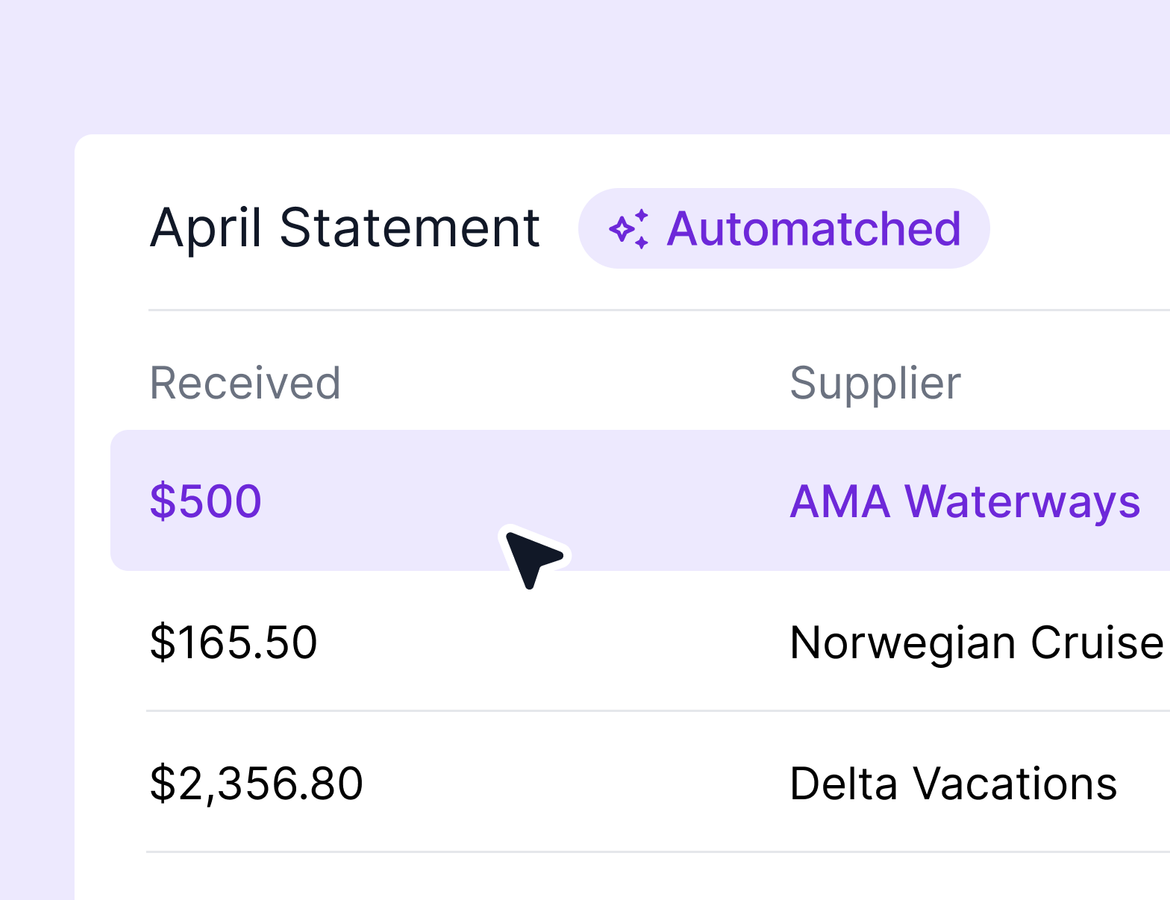
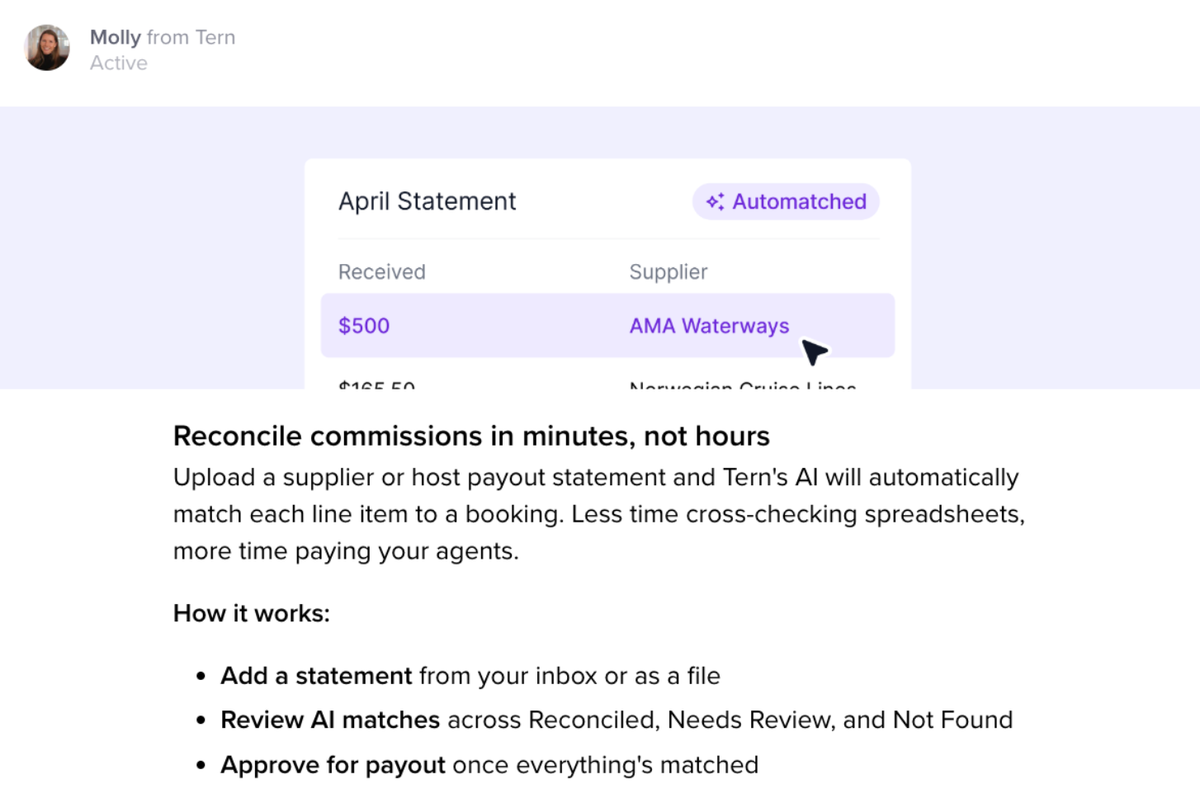
Hand a commission statement to Tern and let it do the matching. Add a file in the Commission Statements tab, or trigger the same flow from the Emails tab if your inbox is integrated and the statement arrived as an attachment or inline content. Tern reads the file, pulls the supplier and total, then walks line by line through the payments.
Anything with an exact match on confirmation number, client and supplier auto-matches. Partial matches surface in their own bucket for you to confirm or reject. Unmatched line items can be added to unclaimed in one click, or you can search the booking manually if you suspect the system missed it. Once the statement is fully reconciled, you approve and pay out from the same view.
A few notes worth flagging:
- This is in free beta. AI does cost money to run, so usage limits or paid tiers are possible down the road. We will give clear notice well before any change.
- Edge cases vary by supplier and statement format. Send anything that misbehaves to support so we can keep training the model.
- If the parse goes wildly wrong, delete the statement and reconcile manually. For auto-matched bookings, remove the matched amount on the booking first, then delete the statement so nothing stays orphaned.
AI chat keeps getting sharper
AI chat picked up 4 new abilities this week. It is still in beta and currently lives under Notes (a more obvious home is on the way).
- Form response search. Search and read form responses - like “what did Jade ask about in her trip request form?”
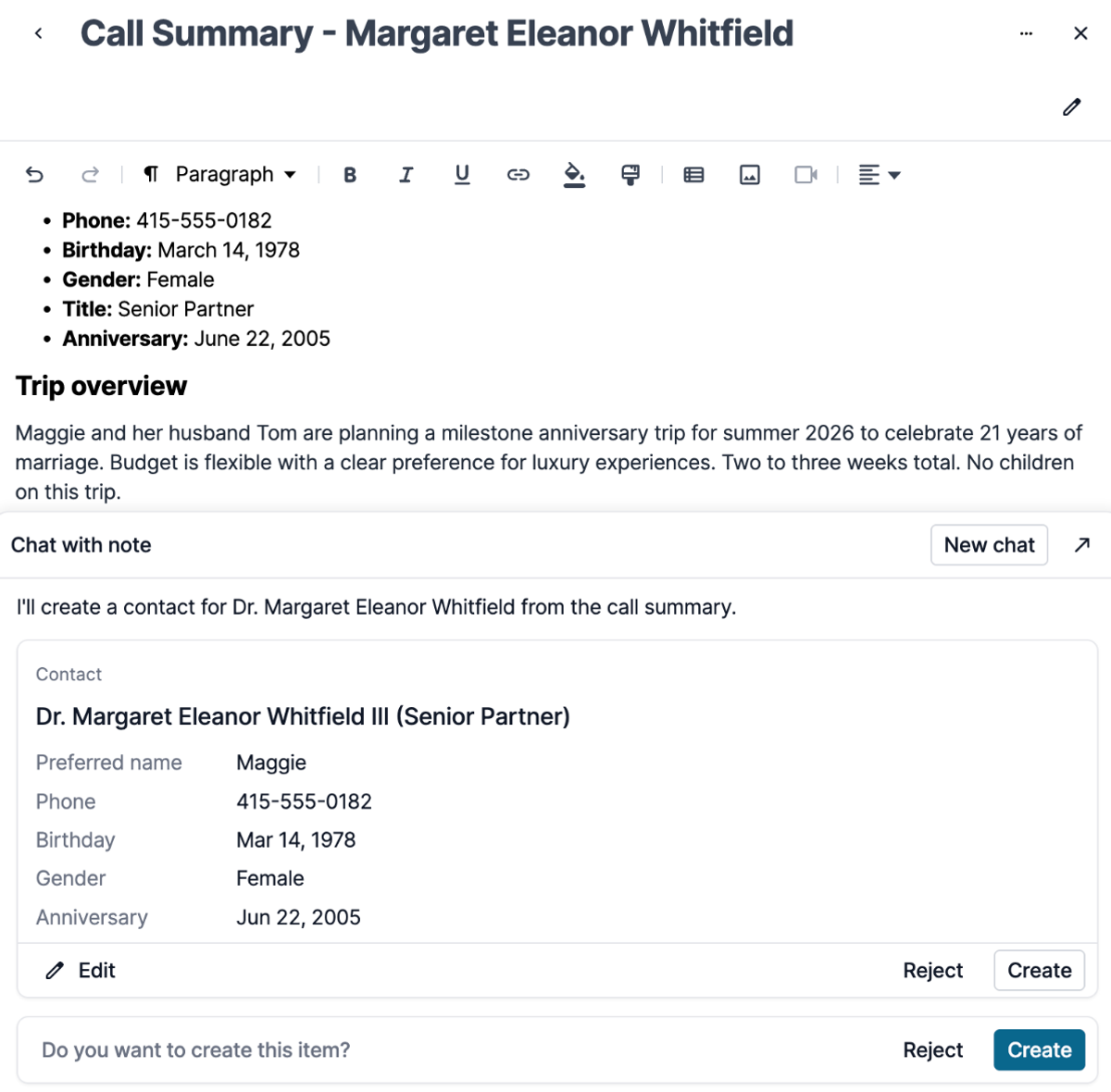
- Full contact creation. When you ask chat to create a contact, it can now fill in prefix, suffix, middle name, preferred name, phone, birthday, gender, title, and anniversary. This pays off when you have detailed intake notes (in Tern, or pasted from another note-taker) and chat can pull the structured fields out in one shot.
- Trip review. Analyze the full itinerary against a checklist covering logistics gaps, schedule conflicts, booking status, traveler assignment, location flow, and content quality.
- Email search. Ask things like "did I get that email about the flight to Hawaii" or "what was the most recent birthday email I sent a client" and chat will surface the message and the details inside it.
If chat misses or hallucinates something, hit the dislike button and tell us why. That feedback shapes what gets better next. Learn more.
Chrome extension: import to new or existing trips
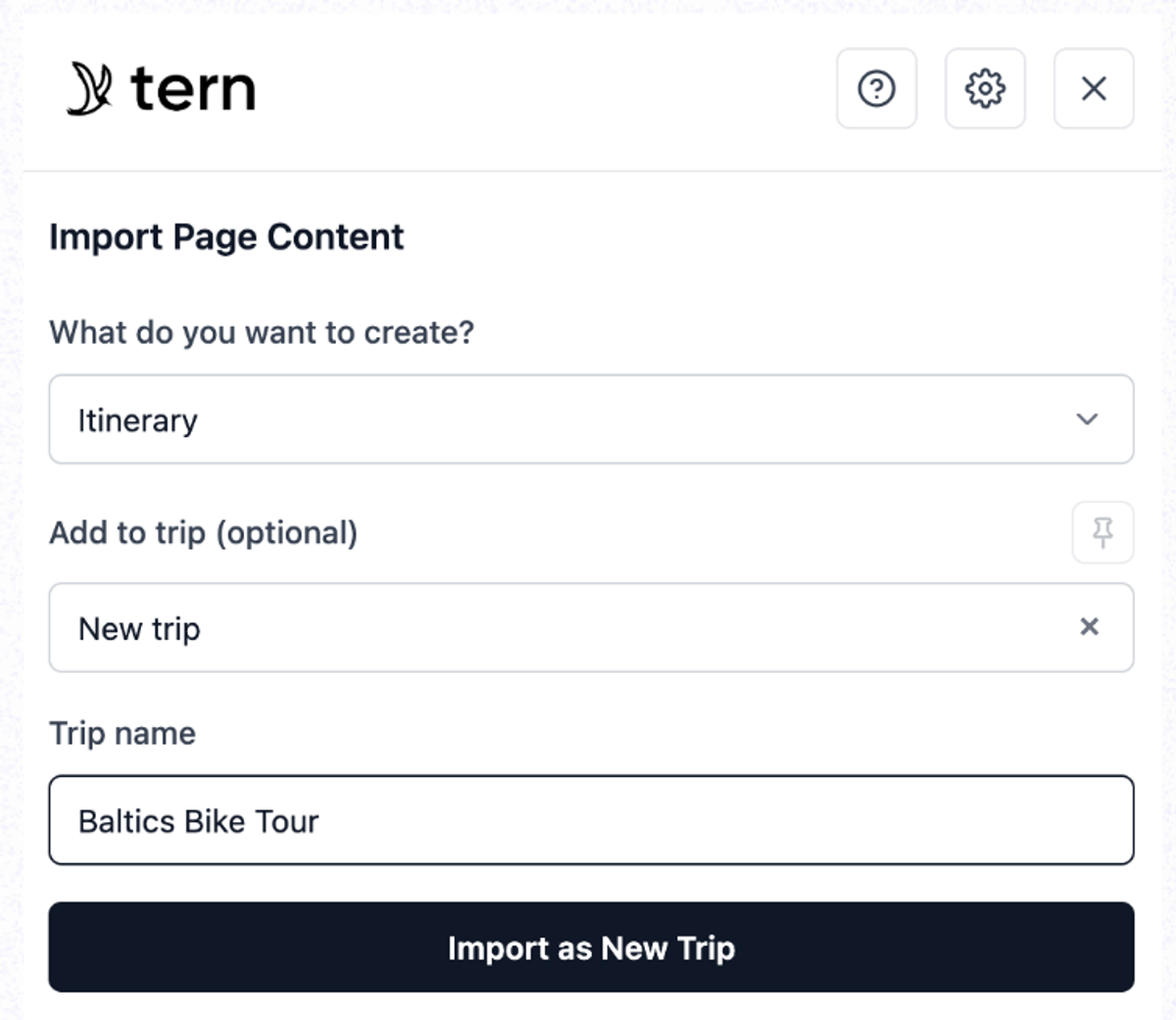
The extension can now import an itinerary into an existing trip or spin up a new one, your call at the moment of import. You will also see occasional flair while you work, sometimes a fun phrase, sometimes a tip on getting more out of the extension. Learn more.
Quality of life
- You can find trips to associate to email by traveler name, traveler email, traveler phone, and confirmation/booking number
- The tasks table no longer scrolls horizontally when an association is long. Long associations wrap inline, so the table stays usable.