
At Tern, we’re always working to make your day-to-day smoother—and this week’s updates are all about organization, clarity, and reducing those extra clicks.
Exciting Updates: Introducing Email Folders and Quality of Life Improvements (Loom video: https://www.loom.com/share/7367eafe45024a1db71b29f868341c70?sid=1b1dede4-96af-4a35-8c53-d4f49f963d68)
Email Template Folders Are Here
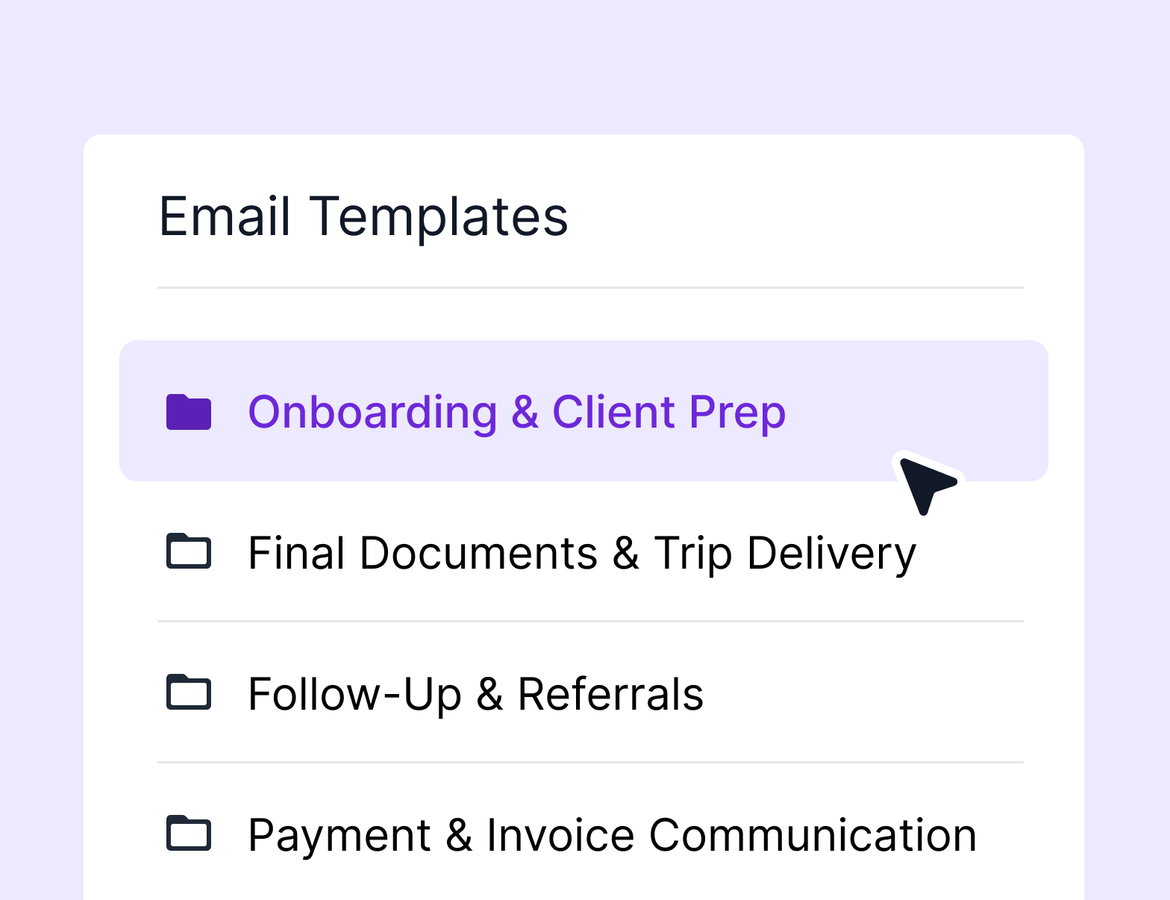
One of the most requested features since we introduced folders to activity templates is now live: folders for email templates.
You’ll now see a folder system in your email template library that mirrors the one you’re used to from activity templates. You can:
Create folders and subfolders to organize your email templates
Bulk move templates into folders
Share entire folders with your team
See folder locations when searching for templates, with search results spanning all folders
This brings much-needed structure and consistency to your email template workflows—and lays the groundwork for future improvements across other content types in the Tern library. Learn more.
Easier Commission Tracking in Agent Payouts
Inside your Commissions view, we've added a small—but mighty—quality-of-life improvement. You can now see totals for agent and agency payouts directly in the table view. No need to export and manually sum things up—just glance and go.
Smarter Display for Group Trip Pricing
Previously, if your group trip pricing was based on selections made during signup, you may have seen a confusing zero or even a negative number in the full amount field. Now, Tern will clearly indicate that the full amount is dynamically calculated based on the traveler’s choices. It’s a small shift that clears up a lot of confusion for advisors.
Export Key Traveler Info in One Click
We’ve introduced a new traveler export feature from the group trip overview. You can now download basic traveler info—including trip name, first and last name, email, phone, and date of birth—in one click. This is a foundational update with more export capabilities planned. As always, if there’s specific info you’d like to see in future versions, we’d love to hear it.
Update Sub Trip Status—Without the Extra Clicks
You can now update the status of any sub trip directly from the group trip table. No need to click into each individual sub trip to make a change. This one was a popular request from advisors looking to streamline group trip management.
Each of these changes is part of our broader effort to make Tern more powerful, intuitive, and flexible. We’re always listening—and every small tweak adds up to a big impact. We’ll be back next week with more. Until then, happy planning!