
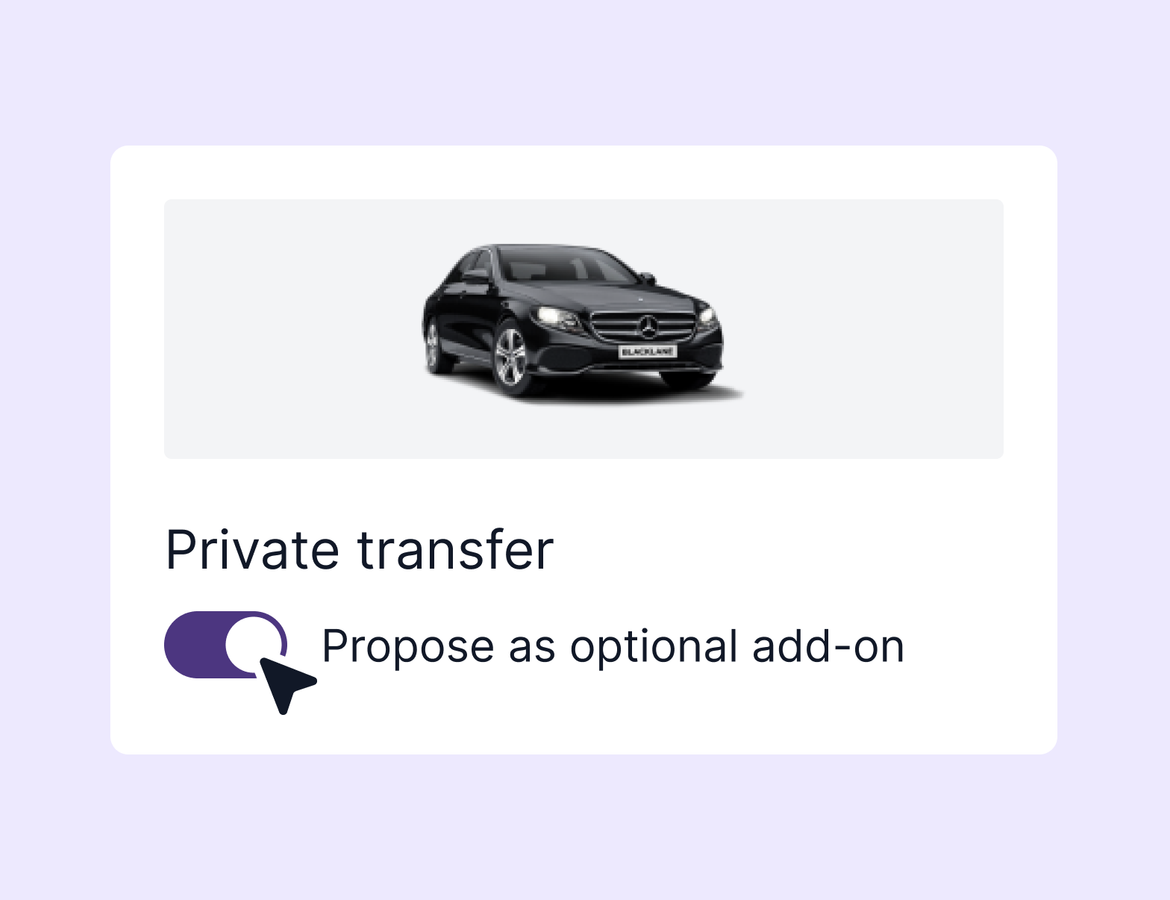
This week's update gives advisors more flexibility with Project Expedition transfers, and cleans up a handful of rough edges across the platform.
Optional Project Expedition transfers
Transfer quotes in Tern aren't new, but the way you add them to a trip is. Previously, you had to pick a specific vehicle option before publishing, and there was no way to make the transfer optional.
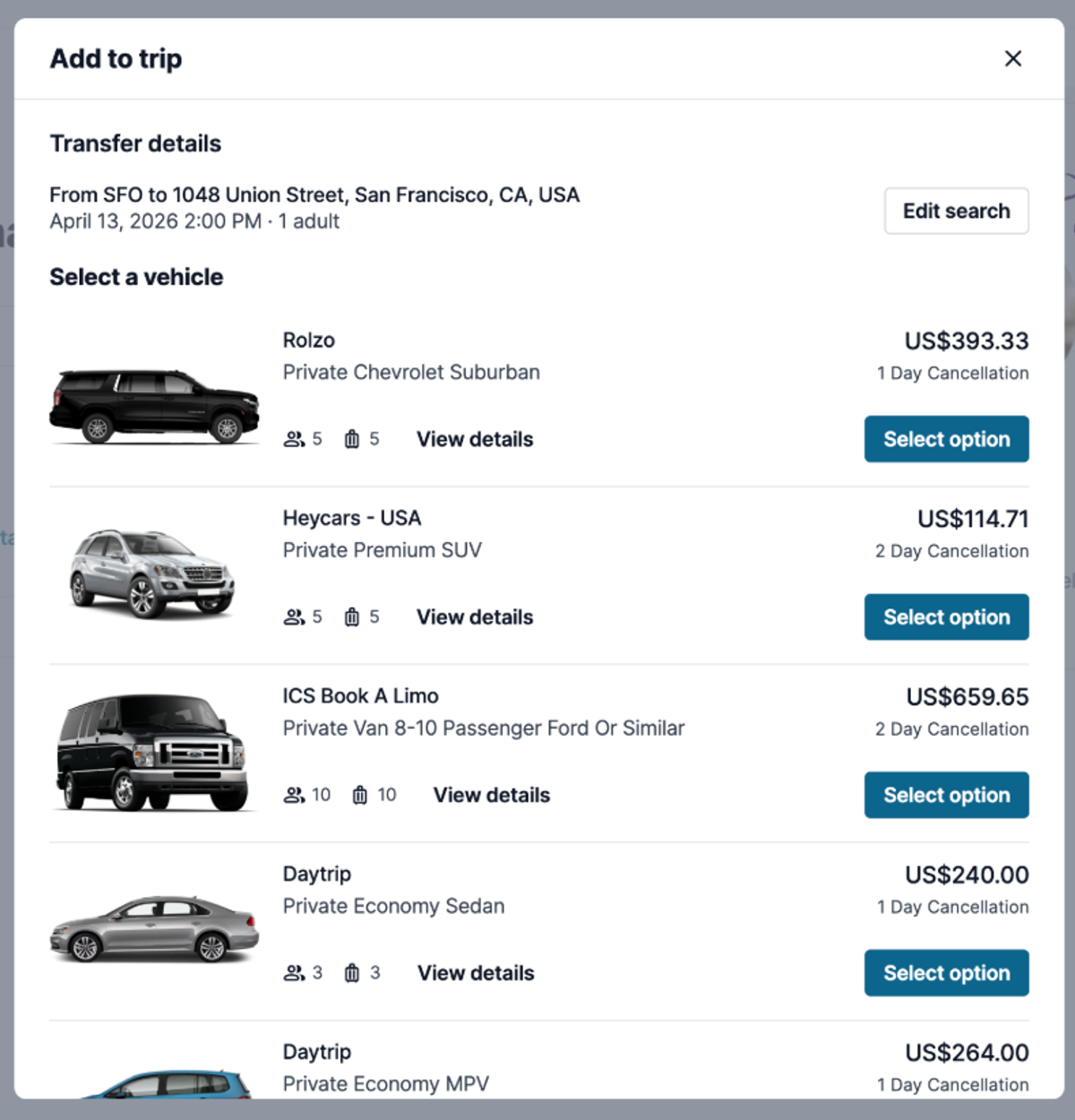
Now you can add a transfer as an optional add-on and leave the selection open. Tern pulls in the airport, destination address, pickup time, and traveler count automatically. When the client views their trip, they can browse the available vehicle options and book directly, without any back-and-forth with you.
If you'd still rather pre-select a vehicle, that option is still there. But for advisors who want to surface the option without doing the legwork upfront, this makes it a lot faster to include. Learn more.
Quality of life improvements
- Flight bar graph accuracy. For trips with multiple flight legs displayed separately, the timeline bar on the advisor board was showing the second leg as unaccounted for. That's been fixed and the bar now reflects the full journey correctly.
- Group email now skips cancelled subtrips. When using the Email All Travelers button, travelers on cancelled, archived, or deleted subtrips are now excluded from the bulk send.
- Deactivated team members hidden by default. On the agency team page, deactivated members no longer appear in the default view. There's a toggle if you need to see them.
- Booking failure notifications. If a Project Expedition or insurance booking fails to submit, you'll now receive an email with a resubmit option so you can resolve it without hunting down what went wrong.
- Confirmation number retained after a booking search. When adding an unclaimed booking by confirmation number, if the search comes back empty, the number now stays in the field so you don't have to type it again.
That’s all for this week - we’ll be back next week with another update!