
We’re back with another round of product updates—and this week’s changes are all about giving you more control, clarity, and confidence in your day-to-day work.
Tern forms just got a major usability upgrade
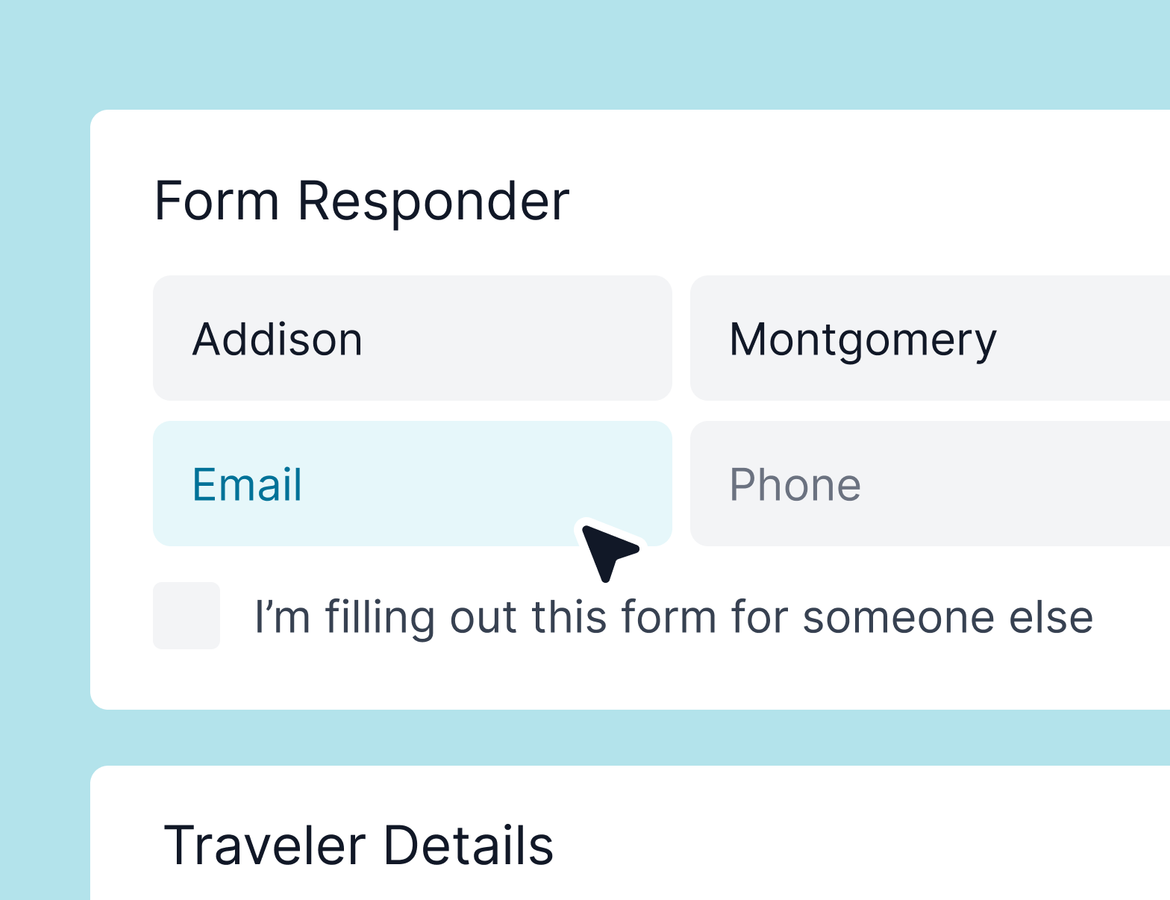
If you’ve ever wanted to simplify your client forms, you’re going to love this: you can now remove the “responder” form element entirely.
Until now, every form in Tern defaulted to having a separate cover page with a responder element— asking for first name, last name, email, and phone number. This was originally designed to support use cases where someone was filling out the form on behalf of someone else (an assistant, for example). But for most use cases, that extra step just added friction.
We heard your feedback loud and clear. You can now:
Skip the responder element entirely
if it’s not useful for your workflow
Create a single-page form
without a separate cover page
This update has been one of our most-requested form changes, and we’re really excited to make it happen. Your clients will appreciate the cleaner flow—and you’ll appreciate the flexibility.
Better email deliverability
We also made some updates to improve email deliverability in partnership with our email integration provider. Tern’s email setup already delivers best-in-class performance by sending emails directly through your connected email client. But these backend improvements should help reduce the edge-case issues even further.
If you’ve seen anything funky in your deliverability, this should help clear it up. And if you haven’t noticed anything? Great—just enjoy the extra reliability. 😄
Clearer labels for group trips, sub-trips, and regular trips
Last but not least: we added labels to help you more easily identify the type of trip you’re working on. These new trip-type tags now appear throughout the app—in headers, menus, and action buttons—so it’s crystal clear when you’re working on:
A group trip
A sub-trip
A regular trip
We’ve heard from many of you that it was too easy to lose track of where you were (especially when duplicating or deleting trips), and these updates are meant to reduce those mistakes and boost confidence.
Now, if you go to delete or duplicate a trip, you’ll see clear language like “Delete group trip” or “Duplicate sub-trip” to guide you.
We can’t wait to hear what you think
As always, your feedback continues to guide our roadmap. These updates came directly from conversations with advisors like you, and we’re grateful for the ongoing input.