
This week brings finer control over your Notetaker, an AI Chat that takes even more actions, and a long-requested upgrade to how task templates handle team assignments. Plus a few smaller changes worth knowing about.
Notetaker control and visibility
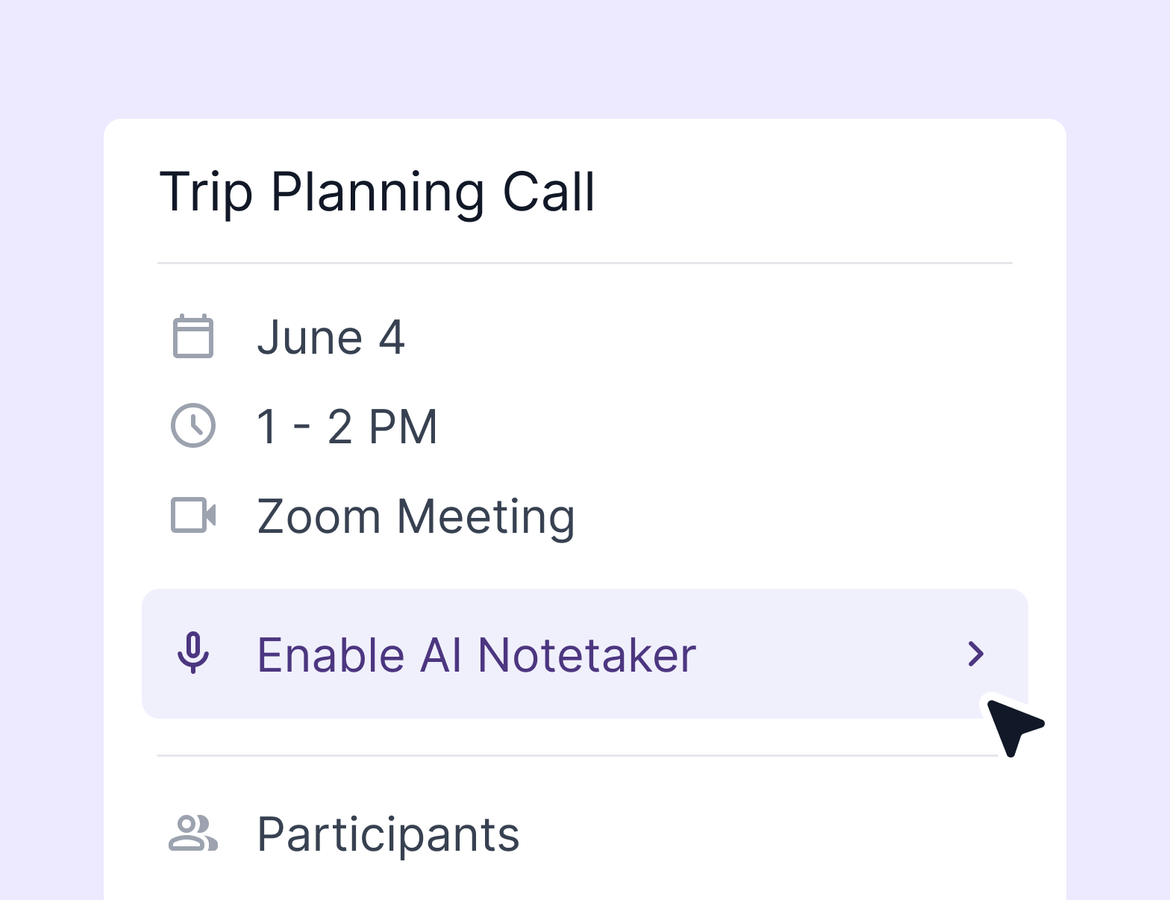
The Notetaker has always been the easiest way to stay present on a client call without missing a detail in the follow-up. The catch: it joined all your meetings, with no room to make exceptions.
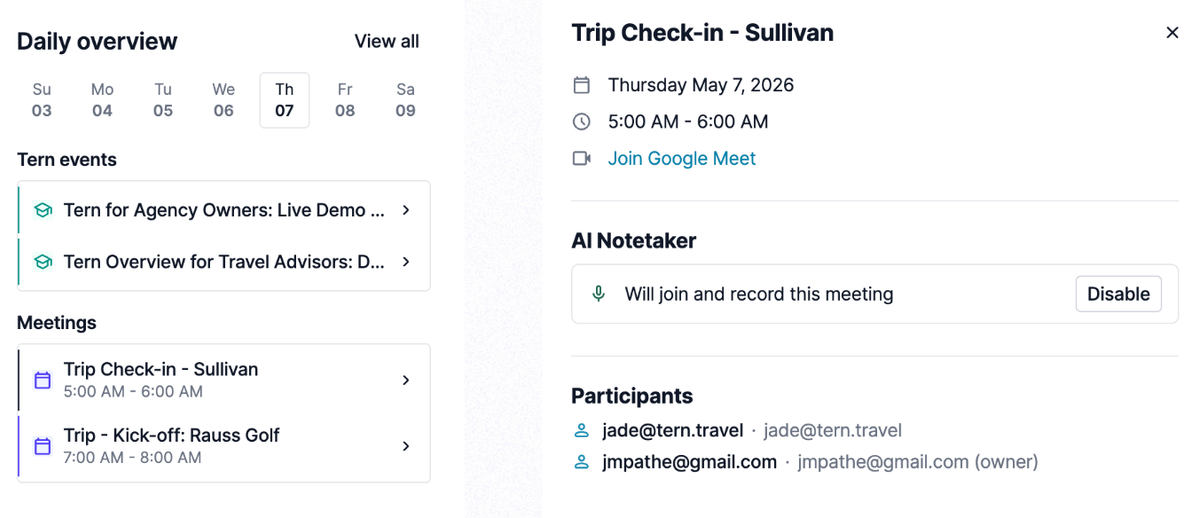
Now you can see every upcoming meeting on your Term dashboard and toggle the Notetaker on or off per meeting. Scroll through your upcoming days, click into any event, and decide. Joining a quick internal sync that doesn't need a record? Disable it in one click. Want notes on a meeting that wouldn't normally qualify? Enable it just as fast. Each event also has a quick link to jump straight into Zoom, so the dashboard becomes your one stop for the day ahead.
After a meeting wraps, the notes appear directly on the event itself. And notes from meetings without an associated contact now show up in your main notes list, so nothing gets buried. Learn more.
AI Chat searches properties, updates trips and contacts, and sends email
AI Chat just got even smarter.
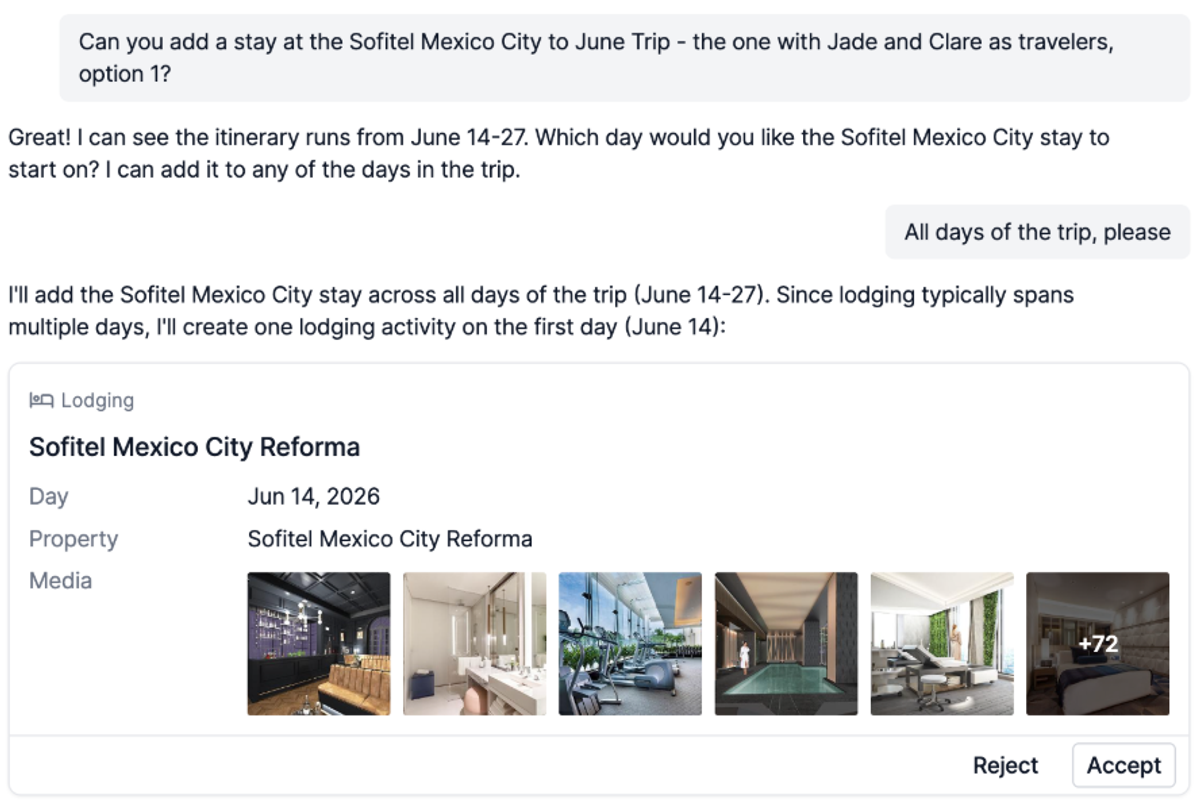
Ask it to find a property and add it to a trip. Update trip dates, status, or travelers without leaving chat. Pull up a contact and update their phone number, email, or any other field on the profile. Draft a follow-up email to your client with all the latest changes pulled in, then send it from chat.
The example from this week's update: find the trip to Australia and New Zealand for Mary Jensen, add a hotel stay on the first day before the cruise, add Mary Jr. as a second traveler, move the trip to booked, then draft and send an email to Mary letting her know everything is set. AI Chat handles each step, shows you what it's about to do, and waits for your approval before making the change.
Treat it like an assistant. The more you ask of it, the more you'll find it can do.
Assign task templates to team members
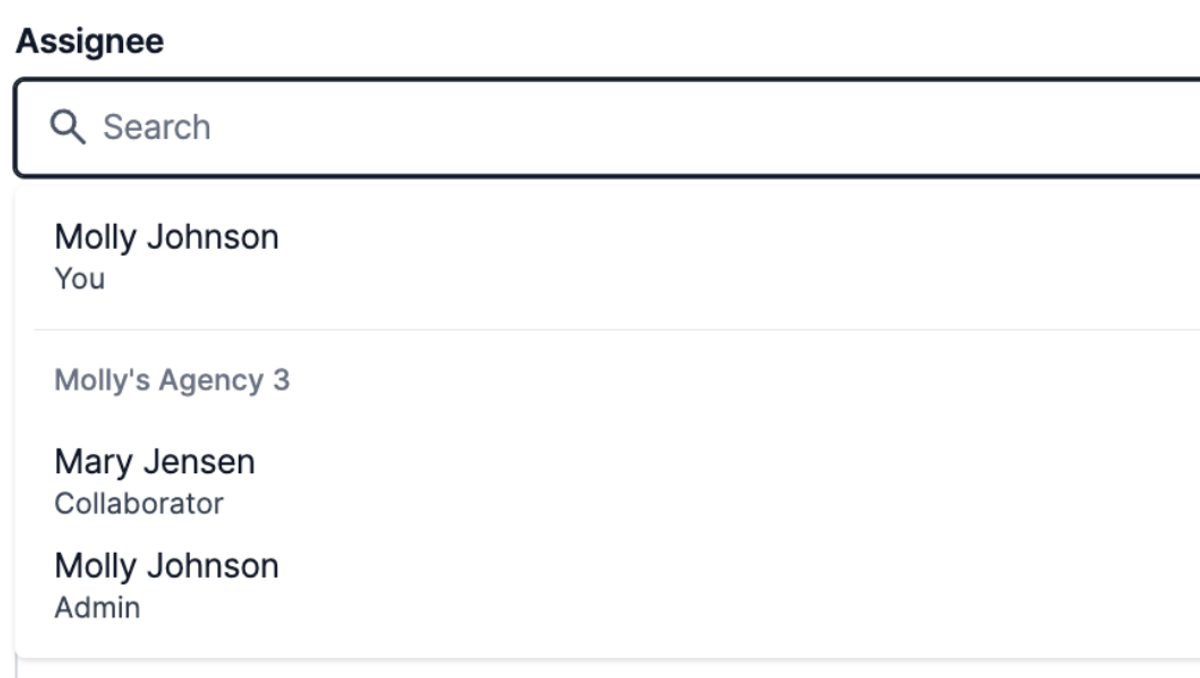
For agencies, task assignment just got a lot more useful. Until now, task templates could only be assigned to you or to a contact, and the contact assignment was visual only. That meant every workflow needed manual cleanup once a task landed on a teammate's plate.
Now you can assign any task template to a team member with the collaborator or admin role. Build a workflow that creates a follow-up task, assign it to the right person, and that assignment carries through every time the workflow runs. New trip created, task lands automatically in the right teammate's queue. No reassigning, no reminders. Learn more.
Quality of life
- AI Chat trip creation no longer requires a traveler name. Reference a destination like Cancun and Tern fills in the rest.
- AI Chat trip creation now defaults to 7 days when you don't specify dates or duration.
- The trip creation modal is now a drawer, matching the pattern Tern is moving toward across the platform.
- New agency setting under Financial Settings: default all new trips to agency managed and disable manual changes. Use it when agency trips need to stay attached to the agency, no exceptions.