
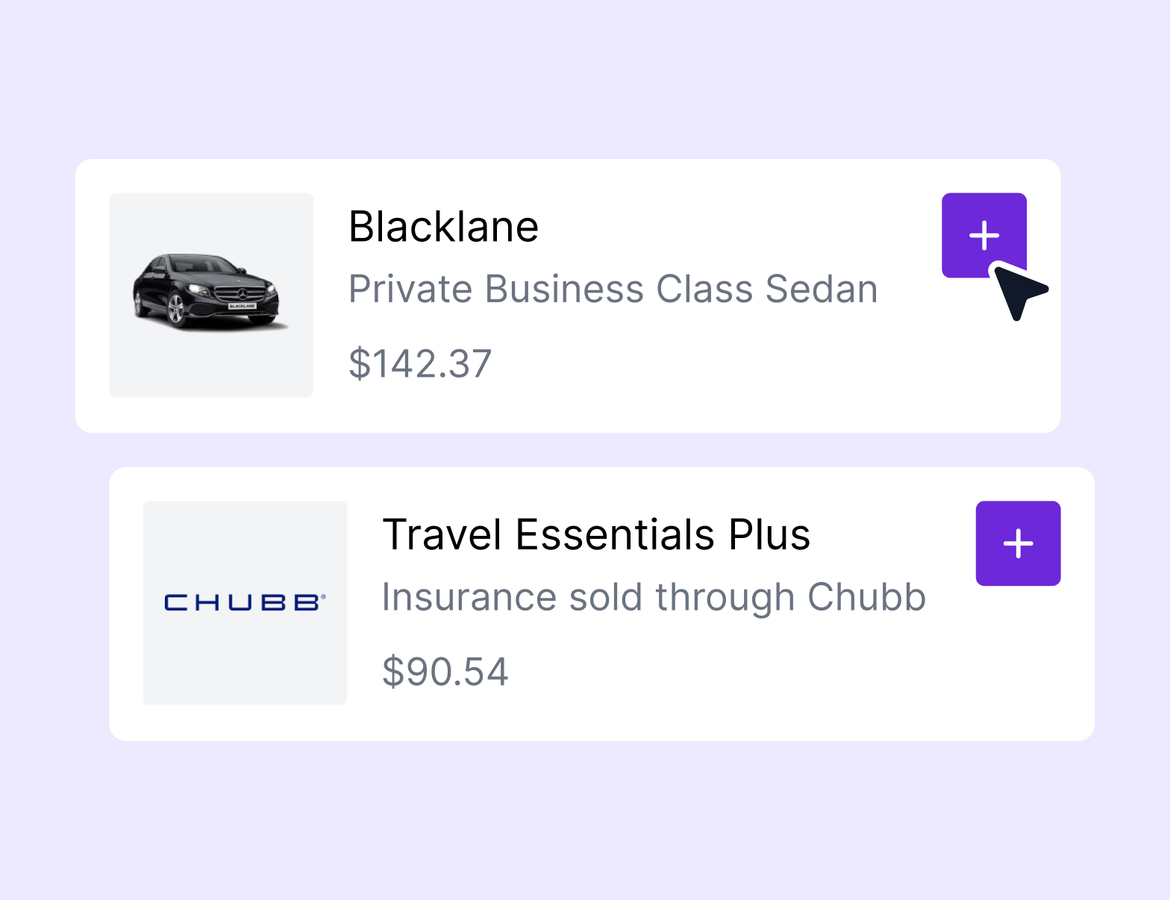
This week's update has a lot in it. Two new integrations let your clients book insurance and ground transfers without leaving the trip. A new notes hub pulls every note you've ever written into one searchable place. And there's a full list of workflow, group trip, and quality of life improvements your power users have been asking for.
All your notes in one place
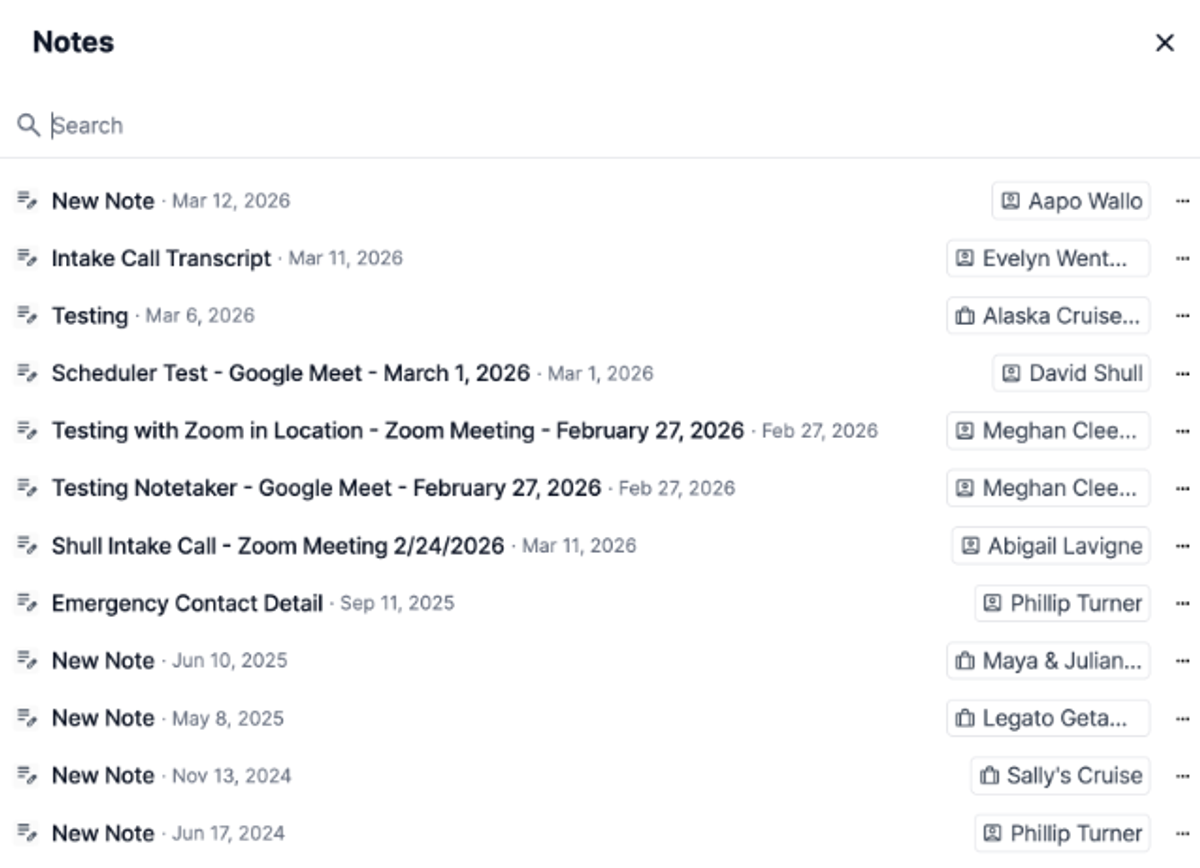
There's now a notes icon next to your profile that works like a notes hub. Every note you've ever created across all trips and contacts lives there, and you can search across all of it. If you're mid-call with a client and trying to remember what they said about their hotel preferences two trips ago, this is where you go. Search by any word in the note content, see which trip or contact it's tied to, and click straight through to it. No more hunting through individual records to find the one detail you need. This is the first of several notes improvements coming to Tern.
Chubb is now a connected insurance partner
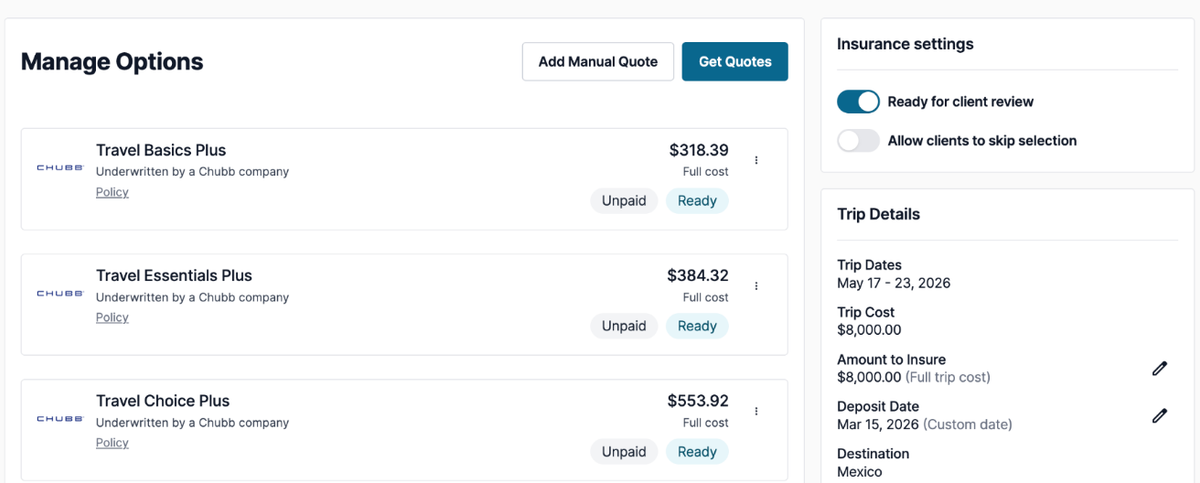
Chubb is available in Tern under Settings > Integrations. Connect it with your credentials and you'll start seeing Chubb plans in your insurance quotes alongside your other partners. Getting a quote takes just a few clicks. Once you've pulled quotes and published the trip, your clients can select a Chubb plan and book the policy directly from the client view. The policy details land on the trip the moment they confirm.
This feature is in beta. Learn more.
Project Expedition transfers are now bookable in your itinerary
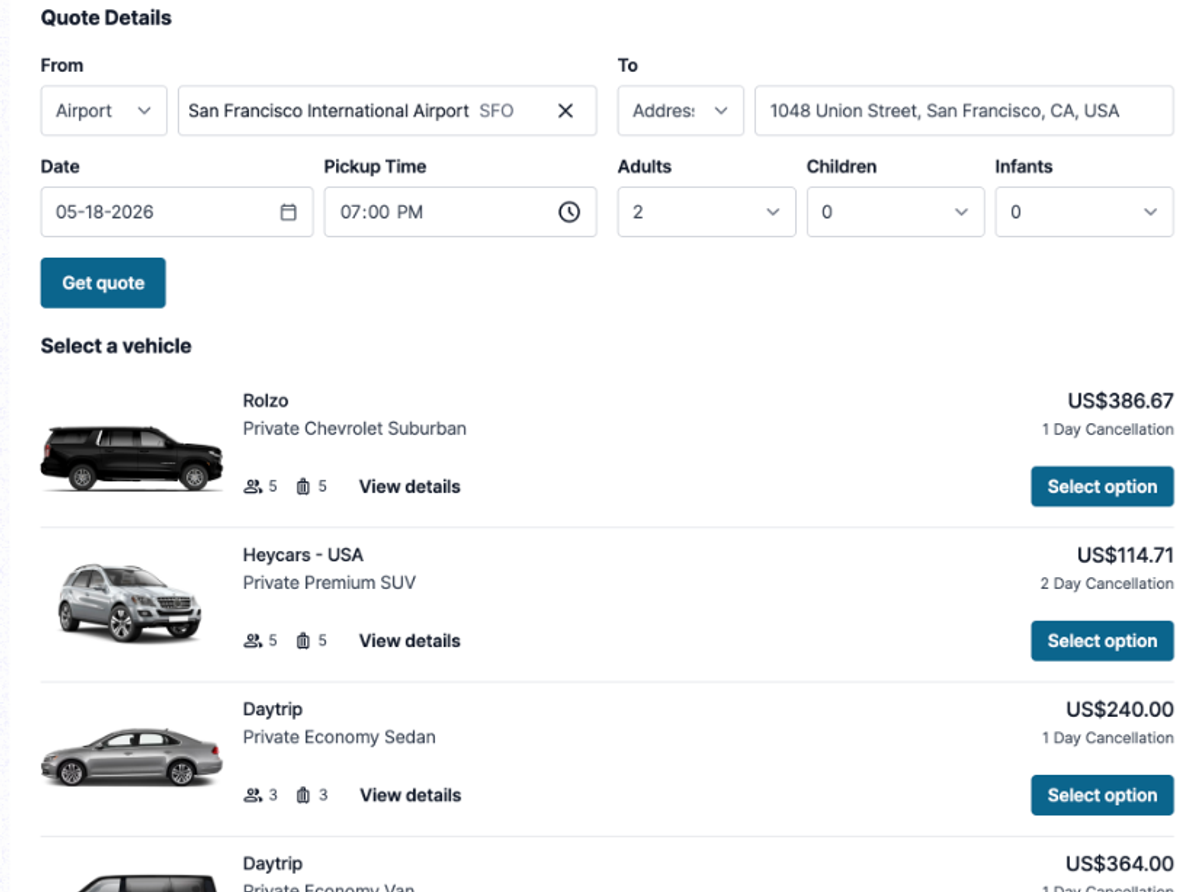
If you have the Project Expedition integration connected, you'll see a new "transfer quote" option inside the itinerary builder. Drag it in, enter the pickup and drop-off details, the time, and the passenger count, and Tern pulls real-time quotes directly from Project Expedition. You can see driver wait time, duration, max luggage, and more for each option. Pick the vehicle, add the flight details and lead passenger, and mark it ready to book. On the client side, it shows up alongside everything else they need to confirm. No separate booking flow. No back-and-forth emails to coordinate a transfer.
This feature is in beta. Learn more.
Quality of life updates
- New option to “Send [2] days after automation is added”. Our new "automation added" trigger now lets you schedule emails or tasks relative to when the automation is applied. Set a follow-up to go 2 days after the workflow is added and it fires whether the workflow was applied manually or auto-applied.
- Create trips from a contact profile. You can now create a new trip directly from a contact's profile. The contact is automatically added as a traveler.
- Workflow tasks on group trips. Task lists from workflows can now be applied at the parent group level. Automations are skipped at that level, but all relevant tasks are added cleanly.
- Passport data in group exports. Group trip CSV exports now include passport fields for every traveler across all sub-trips.
- Password security update. You can no longer reuse any of your last 4 passwords.
- Rich text editor icons. Updated icons throughout the editor for a cleaner look.
- Chrome extension improvements. Better image import across more services, the ability to log out of the extension, and a refreshed Chrome Web Store listing.
That’s all for this week! If you haven’t registered for our webinar next week, you won’t want to miss it. Learn more.