
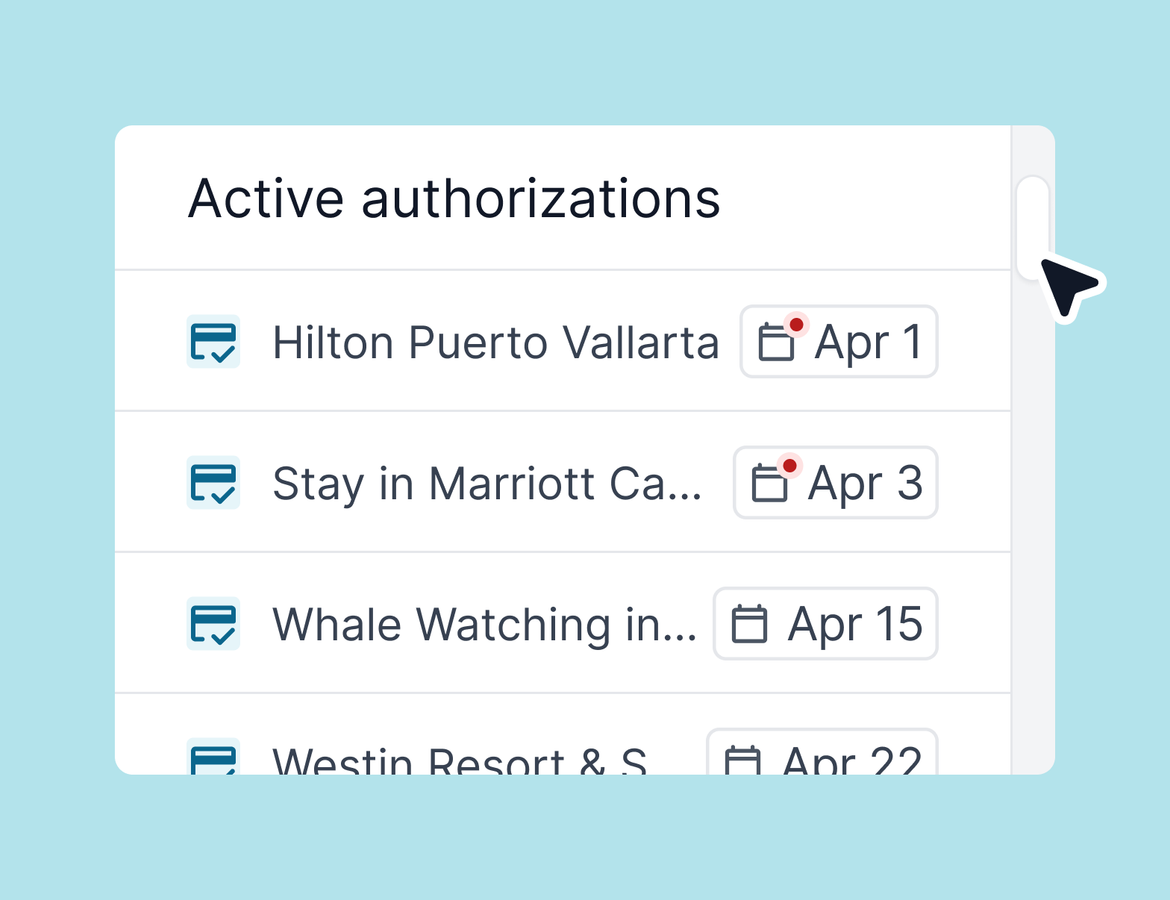
A lot shipped this week. Some of it you caught at the webinar; some of it you didn't. This post covers the features that didn't get a live demo, and a full rundown of the quality-of-life improvements that make everyday work in Tern a little smoother.
Overnight Flights
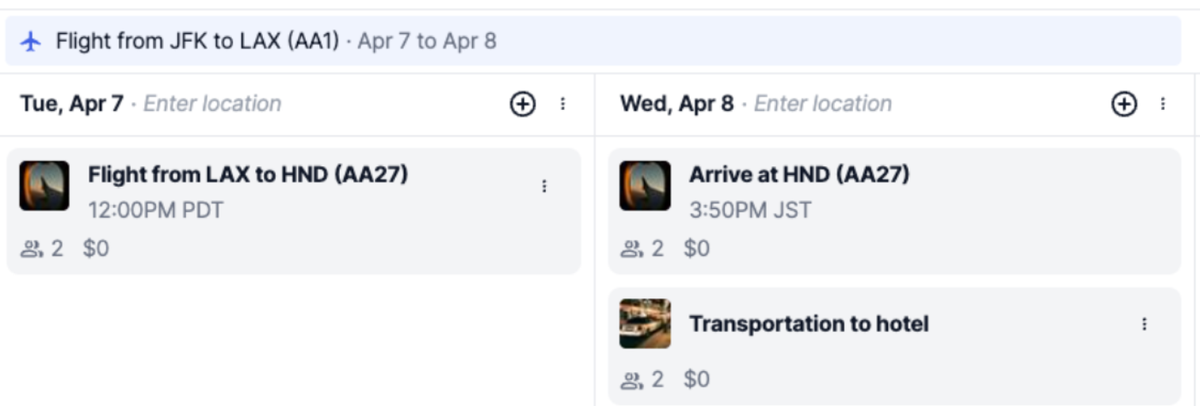
This was the number one most-requested feature in our feedback tool, and it's finally here. When you add a flight that arrives the following day, the arrival block now displays on the correct day — on your itinerary board, on the client-facing itinerary, PDF download, and in the mobile app. It works exactly as you'd expect: if the flight lands on a different day than it departs, the arrival shows up on the day it actually lands. Learn more.
Group Trip Emails
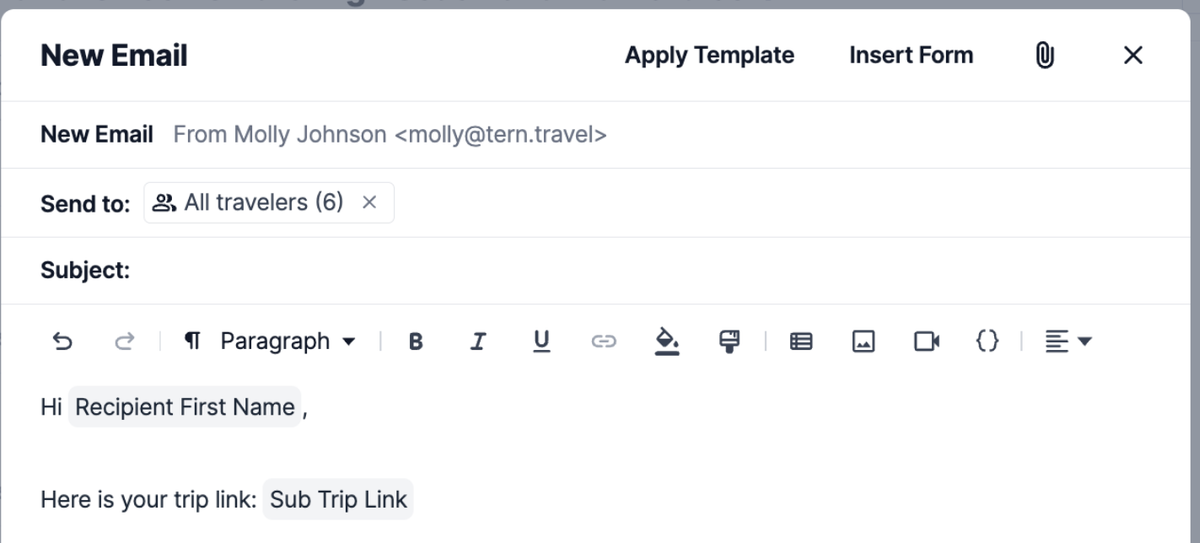
Group trip power users, this one's for you. There's now an Email All Travelers button on the emails tab of any group trip. It sends individually threaded messages to each traveler — not a group blast — so every client gets a personal, separate conversation. You can personalize each message using variables: first name, subtrip name, and a direct link to that traveler's specific subtrip. After sending, the message is logged at both the parent group trip level and on each individual subtrip, so your communication history stays clean and organized no matter how complex the group structure. Learn more.
Dashboard Scrolling
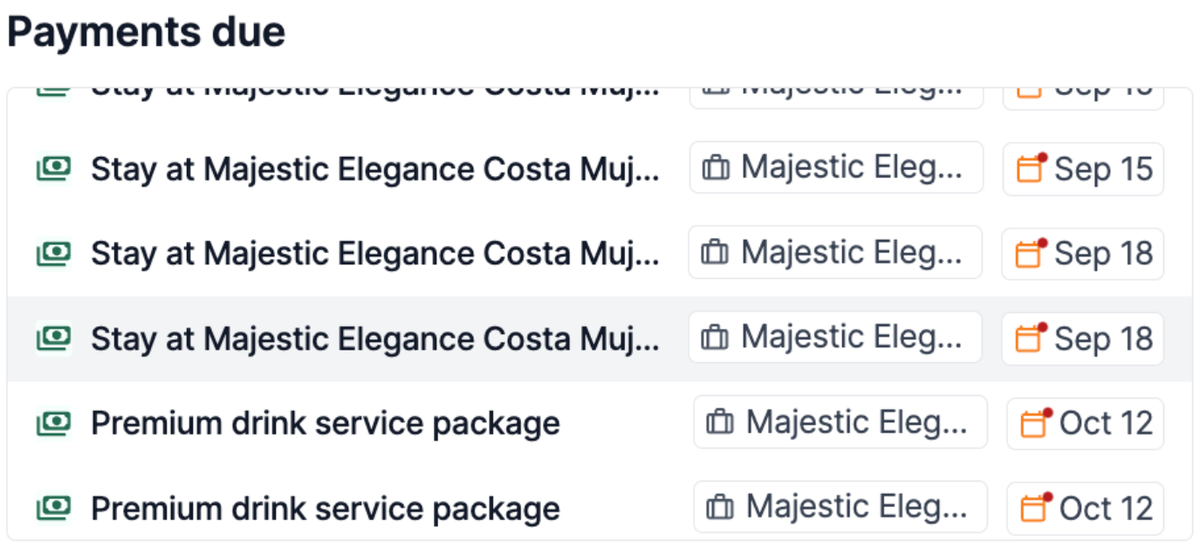
The dashboard's key sections — Payments Due, Your Tasks, Active Authorizations, and Form Responses — now scroll. That's it. But if you've ever had a long list of upcoming payments cut off at five rows, you know why this one matters.
Chrome Extension: Add Directly to a Trip
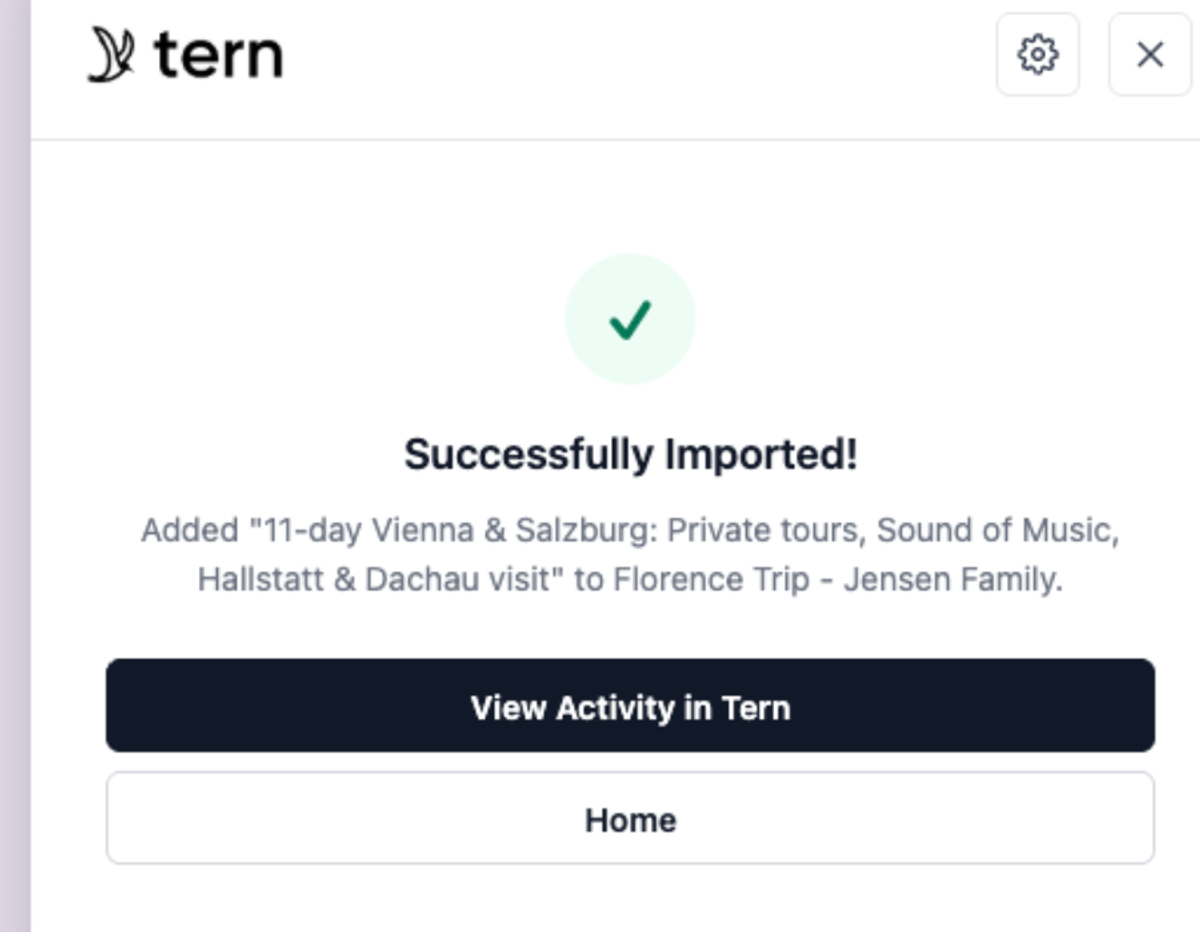
The Chrome extension now lets you add content directly to a specific trip — not just to your library. When you're browsing an external itinerary or supplier page, the "Add to Trip" option lets you select a trip, pick a day, and import the activity straight into your Tern itinerary. No intermediate steps, no adding to the library first. It pulls directly from your trips as long as you're authenticated with the extension. If you're not already using the Chrome extension, you can read about it here.
Trawick Insurance Integration
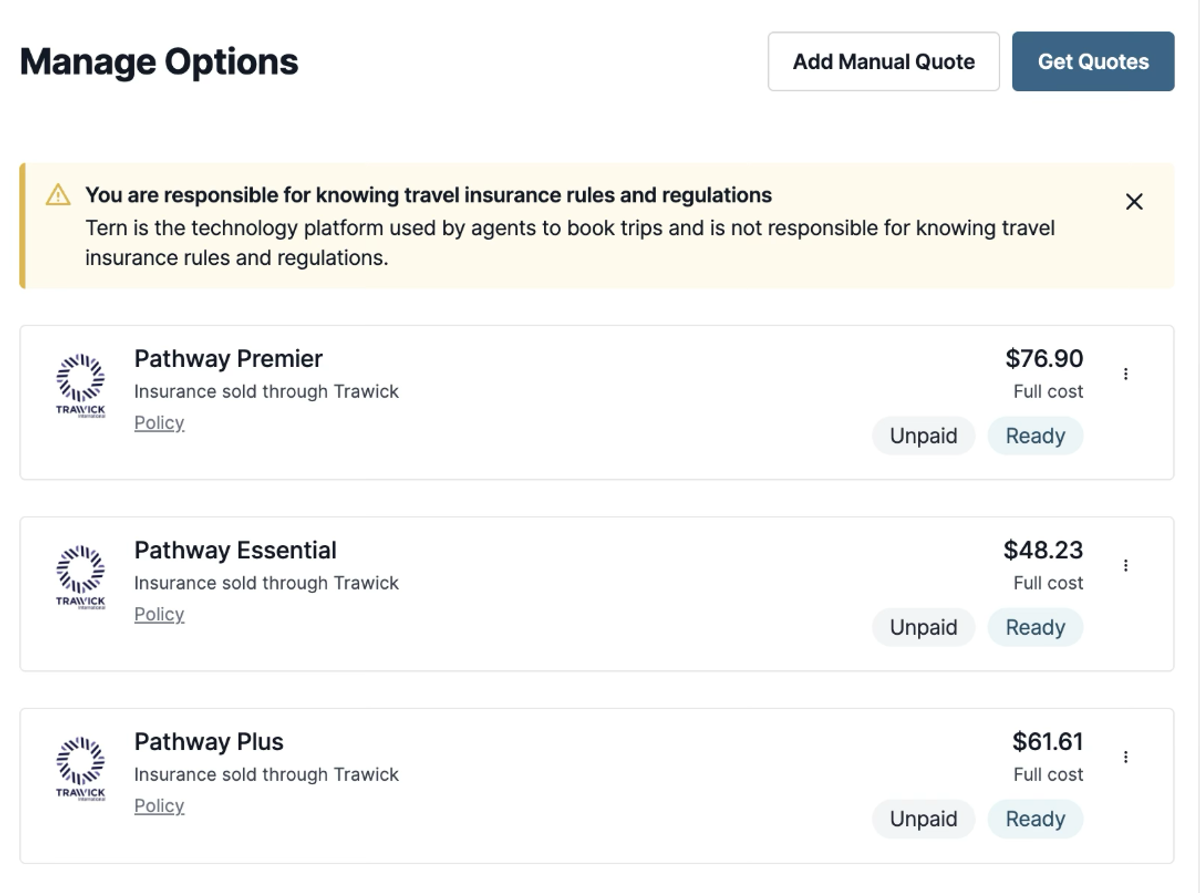
Trawick is now available as an insurance integration inside Tern. You can connect it under Business Settings > Integrations, alongside the rest of our insurance partners. If you've set up one of our other insurance integrations before, this works exactly the same way. Learn more.
Client Tour Search by all Locations (Project Expedition)
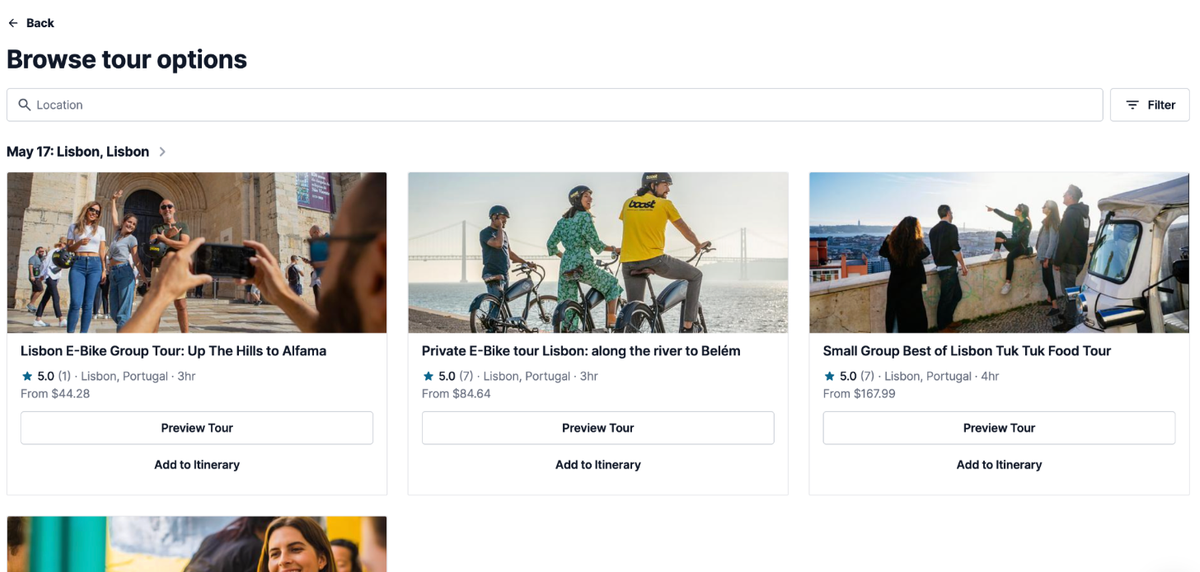
If you have Project Expedition set up and you allow travelers to browse tours on their trip, they'll now automatically see relevant shore excursions and tours for each location on their itinerary. The tour options surface based on where they're going — no manual curation needed. One toggle, and your clients have a full set of relevant options to explore and add themselves.
AI Chat Can Now Search Your Trips
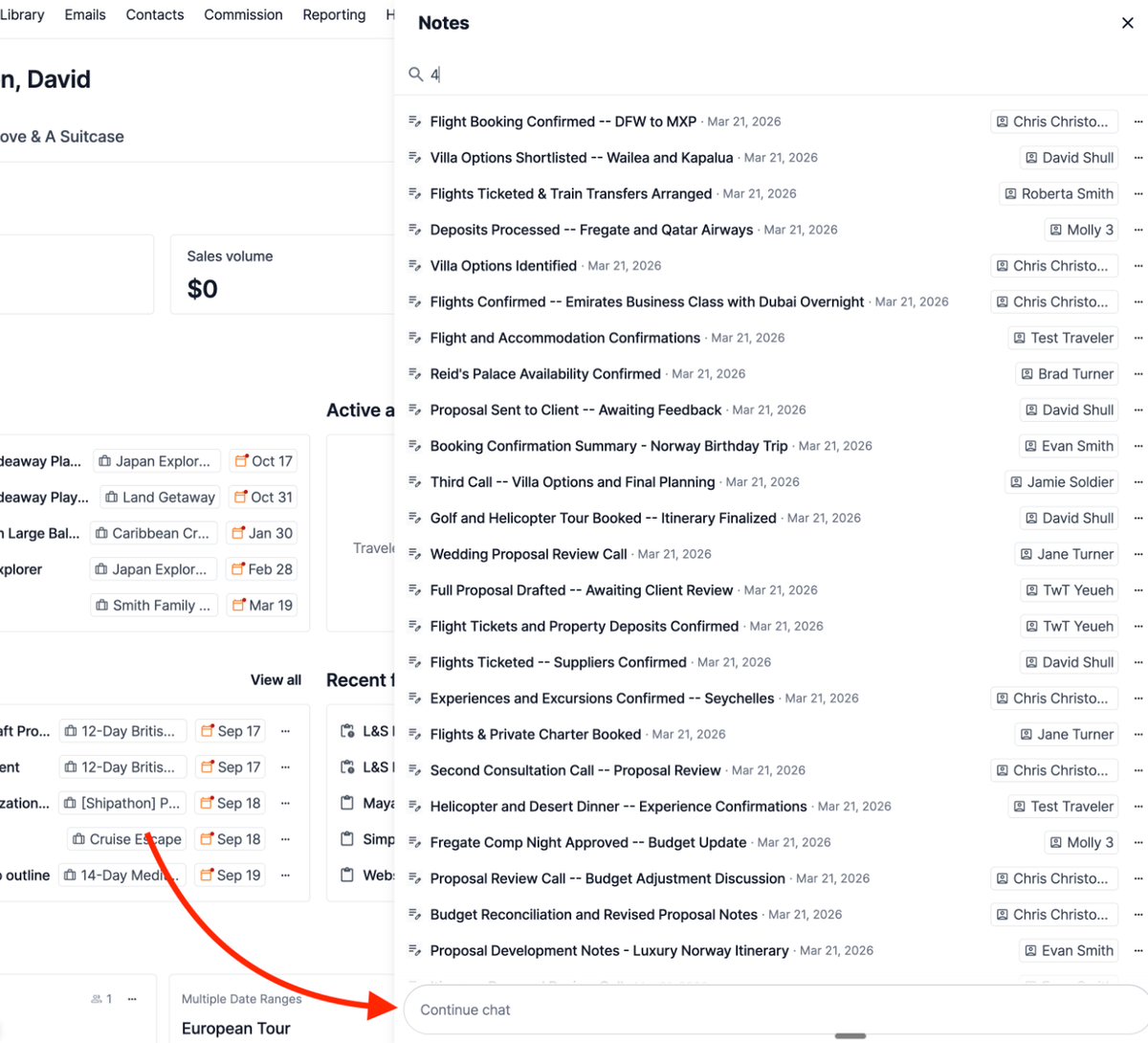
The AI chat experience introduced at the webinar has a meaningful new capability: it can now search your trips directly, without needing to go through a contact or note first. That means you can ask something like "What itinerary items are on the 2026 Disney trip?" and the AI will pull that information right from the trip itself. This is an early, experimental feature — but it's a real step toward being able to query any information in Tern through a simple conversation. Expect this to get more capable over time. Learn more.
Quality of Life
- Auto-extend trip dates for late-arriving flights. Previously, adding a return flight that arrived after a trip's end date threw an error. Now, the trip automatically extends to accommodate the arrival. No manual date change required.
- Credit card details stay visible longer. The credit card details modal used to disappear after a very short window. It now stays visible for several minutes, giving you enough time to copy and paste without rushing.
- Performance improvements. Data loads faster for global task lists, commission payouts, and contact search. For searches that do take a moment, a loading spinner now shows so you know something is happening.
- Middle names now shown when adding travelers. When selecting travelers for an activity or booking, middle names now appear in the list — a meaningful improvement for multi-generational families where first and last names alone aren't enough to tell people apart.
- Emoji support in invoice exports. Emojis on activities no longer render as broken gray boxes when you export an invoice. They display correctly.
- Paste prices from Excel or Google Sheets. Prices copied from spreadsheets now paste into Tern correctly without needing manual cleanup.
- Statements default to your account currency. If your account is set to a currency other than USD — Canadian dollars, for example — payout statements will now reflect that currency by default.
- Project Expedition improvements. Vouchers are now attached as documents to bookable tours and transfers, and location search within Project Expedition has been improved.
- Untitled notes. When creating a new note, you can now leave it untitled. Small, but one less friction point.
- Note associations. When adding a note, you can now associate it directly with a specific trip or contact from the same view.